Create and edit diagrams, flowcharts, and notes with integrated text and symbols. Draw directly on the screen or use keyboard input. Share drawings via copy-paste or iCloud. Sync work between iOS, iPadOS, and macOS devices.
by DEKORRA OPTICS LLC★ 4.19 ratingsProductivityFreeData updated 2026-09-20
Create and edit PDF documents by adding text, notes, and drawings. Import images and PDFs from the file . Convert photos to PDF, duplicate, rename, and password protect files. Rearrange pages, search within PDFs, and share as PDF or image.
The app syncs handwritten notes, sketches, and diagrams from a Livescribe 3 or Aegir smartpen to an iPhone or iPad. Users can organize, tag, and convert notes to text for tasks, reminders, and events.
Provides offline word meanings and letter suggestions. Users type English words for instant translations. Features include letter differentiation, typing speed improvements, and community support through sharing.
Create flowcharts, org charts, and process diagrams with drag-and-drop node addition. Use infinite canvas and 24 themes for customization. Organize nodes with containers and group them for complex layouts.
The app is a drawing, animation, and tilemap application. It allows users to create spritesheets, edit frames, and export creations to PNG, animated GIF, and CSV files.
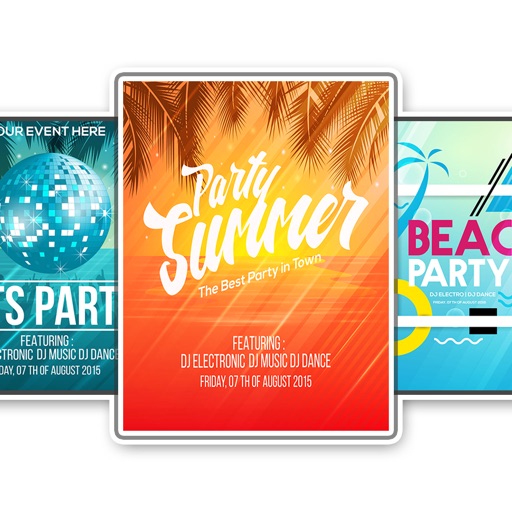
Create flyers, logos, and graphics with customizable templates and icons. Edit designs with professional tools. Upload or use images from a library. Export files for print or online publishing.
Read and annotate PDFs with highlighting, freehand drawing, and audio notes. Edit text, add signatures, and convert files to other formats. Organize documents, merge or split PDFs, and insert pages or hyperlinks.
View and manage CAD drawings with support for DWG, DXF, and PDF formats. Open multiple files simultaneously. Use scale tools to distances in meters and perform continuous length measurements. Add annotations and markups directly on drawings.
The app captures and organizes handwritten notes and sketches. It offers hybrid visualization technology for sharp, editable drawings and supports Apple Pencil.
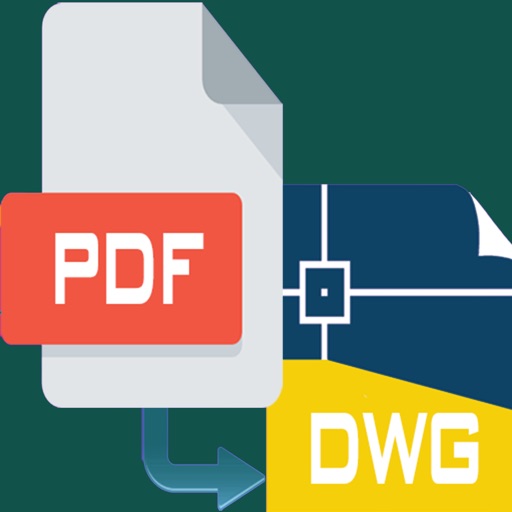
PDF files to editable DWG format with high clarity. Edit lines, arcs, and text directly. Supports polylines, splines, and images. Export as DWG for use in . Remove or adjust elements as in native drawings.
Create and print custom directly from a phone. Design using 11 guides, 34 barcode types, 85 fonts, and 34 languages. Import data from spreadsheets, generate sequences, scan barcodes, and convert text via voice or photo.
View, share, and dimension DWG drawings. Annotate and modify designs with precision. Create new drawings or edit existing ones. Access advanced tools with a subscription. Export and collaborate on projects remotely.
The app allows users to draw geometric shapes, color drawings, and retouch photos. Users can share their creations with friends using different drawing tools and colors.
Create illustrations, logos, and UI designs with precise drawing tools. Import and edit graphics. Organize projects in workspaces. Export in multiple formats. Collaborate in real-time with others. Adjust colors, shapes, and layers.