The app supports retina display and is a universal build for iPad, iPhone, and iPod devices. It offers multiple suit variations, portrait or landscape modes, and game statistics.
The app offers a classic Mahjong game designed to sharpen the mind and provide relaxation. It features multiple game modes, including Classic, Time Attack, and Challenge, with options for different play styles and difficulty levels.
The app offers four solitaire games: FreeCell, Golf, Klondike, and Poker. It features an easy-to-use tap interface, unlimited undo/redo, and selectable backdrops and card backs.
Play a card game where the objective is to clear all cards by arranging them in specific sequences. Move cards between piles, complete levels by removing all cards from the top left. Track progress and compete against others.
The app offers multiple solitaire games like FreeCell, Spider, and Klondike. Users can play in landscape or portrait modes with various themes and customizable backgrounds.
Play with drag-and-drop gameplay and smart hints. Choose from multiple card themes and back designs. Track progress and replay games. Share scores with friends. Adjust difficulty settings for varying challenge levels.
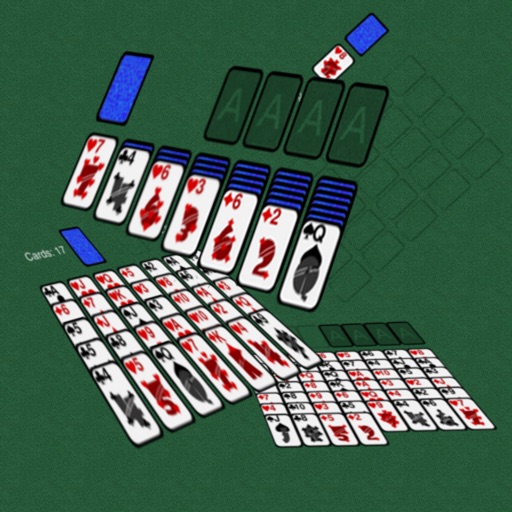
The app offers Klondike and FreeCell solitaire games. Users can interact with cards by touching and dragging them, or by double-clicking to move them to the foundation.
Play by matching cards one higher or lower than the current card. Use wildcards to substitute any card. Clear cards from the layout by removing pairs. Build sequences from Ace to King. Track progress through multiple game sessions.
Play Classic with customizable landscape or portrait mode. Choose left-handed or right-handed layout. Use quick assistance for card placement. Shuffle deck unlimited times. Enjoy eye-friendly card designs and clear visuals.
Play Classic Spider on iPhone or iPad. Sort cards by suit and rank. Use hints for difficult moves. Adjust difficulty settings. Enable right-handed mode. Invite friends via Game Center and view leaderboards.