Apps Like Pro Camera with RAW & Focus for iPhone and iPad
Capture moments professional tools
Capture photos and videos advanced professional tools. Adjust exposure, , and white balance. Edit images filters, cropping, and retouching. Share directly to social media or save in high-resolution formats.
by Joseph Hall★ 4.44,129 ratingsPhoto & VideoFreeData updated 2026-09-19
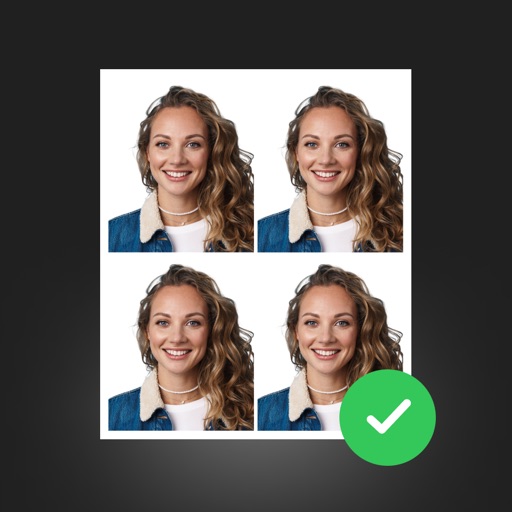
Create professional ID photos with AI tools. Automatically detect faces and remove backgrounds. Resize and crop portraits to fit official sizes. Support multiple countries' requirements. Generate printable -sized images for children and adults.
Capture smiles, take multiple photos automatically
Capture photos automatically when smiling using advanced face and smile detection. Take up to 3 selfies with 1-second intervals. View, compare, and save photos. Apply effects to each image. Save to Camera Roll.
Create Instagram stories with customizable templates, filters, stickers, and fonts. Select from a variety of designs, add visual effects, and personalize text formatting. Share finished stories directly to Instagram.
Edit photos and videos with 6 custom film camera filters and 14 unique film stock options. Apply 130 professional presets for consistent color grading. Adjust exposure, contrast, and saturation manually.
Record videos or take photos using both front and back cameras at the same time. Switch between cameras during recording. Capture balanced - shots with synchronized audio and visuals. Edit and share -view content directly.
Generate professional headshots from selfies using AI technology. Adjust lighting, background, and pose. Export in multiple formats and share directly. Apply filters and effects for a polished look.
Add custom watermarks to photos with text or link patterns. Adjust size, placement, and transparency. Protect content with visible copyrights. Share photos with watermarks applied.
Enhance quality by unblurring, restoring clarity, and fixing low-resolution images. Create AI-generated avatars from selfies. Apply artistic filters and adjust colors. Export edited photos in various formats and share directly.
Edit photos by removing unwanted elements like , skin blemishes, buildings, and lines using AI technology. Crop images and videos with high quality. Eliminate dark spots and acne from faces or bodies. Adjust and enhance images for a polished look.
Create captions quickly with like metal chrome, blur, and glitch. Use latest hip fonts for a personal touch. Edit images with a full-screen professional editor. Add transparent backgrounds and export directly.
Enhance low-quality photos with AI-powered upscaling and detail refinement. Adjust brightness, contrast, and color. Apply cartoon effects and convert portraits to HD selfies. Save and share improved images directly.
Convert black and white images to using selective recoloring. Select photos from the gallery or capture new ones. Pan and zoom for precise editing. Resize and fit images to the screen. Use redo and undo features for error correction.