Learn programming through interactive lessons and exercises. Use an embedded editor and a custom virtual keyboard for coding. Track progress and receive personalized feedback. Share snippets and collaborate in real-time.
Learn C# offers offline access to basic and advanced tutorials, practical programs, and interview questions. Includes a coding area and dark mode. Tracks progress with a progress bar for each topic.
Kids learn real-world skills through bite-sized lessons, interactive challenges, and creative tasks. They use AI tools to explore, create, and complete structured activities. Parents can monitor progress and access educational resources.
The app presents a puzzle game with over 100 free levels. It offers a visual adventure with puzzles made from shapes of various colors and sizes, crafted for gamers of all ages.
Learn with interactive charts and visual guides. Practice modes include exercises and progress tracking. Customize settings for tempo and difficulty. Export practice sessions and share progress with others.
The app offers preparation for the 11+ entrance exam with tips, explanations, and practice across visual, spatial, and pattern-matrix topics. It includes mock tests and progress tracking with iCloud sync for iPhone and iPad.
Track assignments and organize them by and due date. Set priorities and sort tasks by deadline. Link each assignment to a specific subject. Receive reminders for upcoming deadlines and manage submission dates efficiently.
Learn PLC basics through interactive lessons and a simulator. Explore block diagrams and experiment with programming. Use 3 timers, 2 counters, 6 compare instructions, 2 binary outputs, and 3 RES outputs.
Learn techniques through step-by-step . Explore patterns and designs for jewelry creation. Save and customize bead layouts. Share finished projects and access project inspiration. Track progress and refine skills with interactive guidance.
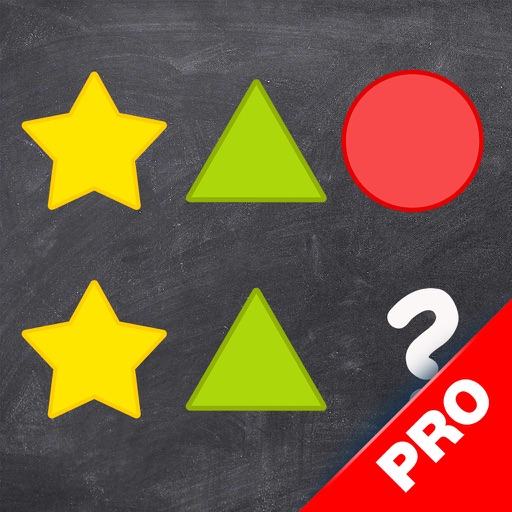
Teaches through interactive games. Users identify and complete sequences. Includes varying difficulty levels for different age groups. Tracks progress and offers feedback. Encourages logical and problem-solving .
The app applies affine transformations to shapes like circles, rectangles, stars, polygons, and lines. Users can create interesting shapes through translation, rotation, and scaling operations.
The app provides an interactive environment for exploring geometric shapes and their properties. Students use virtual pattern blocks to complete activities, fostering an intuitive understanding of geometry concepts.