Apps Like Audio Type Converter for iPhone and iPad
Convert files to MP3, WAV, and more
Convert files to formats like MP3, WAV, and M4A. Select files from the music library or files . Choose a format and convert with a single button press. Share converted files via AirDrop, email, or save to files.
by Nikhil Anshuman★ 0.00 ratingsMusic$2.99Data updated 2026-09-19
Convert and audio files to iOS-compatible formats. Import files from Dropbox, OneDrive, Photos, and My Documents. Browse files in a folder-based structure. Convert media while preserving quality. Play converted files directly on iOS devices.
Play music files in formats like MP3, M4A, FLAC, and WAV. Import files directly without iTunes sync. Transfer music via local Wi-Fi. Cast to AirPlay or Google Cast. Bookmark favorite songs with the heart function. Shuffle all music.
Extract vocals, drums, guitar, bass, piano, strings, and other instruments from audio files. Split tracks into 2, 4, or 5 stems. Create backing tracks and specific elements for music production. Save and share isolated audio files.
Convert videos to MP3, M4A, and other formats. Support for MP4, MOV, AVI, and more video types. Trim using a visual waveform editor. Adjust volume and export in desired format. Extract from videos quickly and efficiently.
The app transforms an iOS device into a server for sharing photos, videos, and files over a wireless network or Bluetooth. Users can share their entire photo library or specific files with an audience without needing to connect individual devices.
Convert videos to HD quality MP4 files. Resize videos to different dimensions. Cut videos by selecting specific time ranges. Play videos directly within the .
Adjust audio and video files by changing pitch and speed. Set pitch adjustments in half-tone increments with color-coded feedback. View speed changes as multipliers and track tempo in BPM. Supports multiple audio and video formats for editing.
Compress files to reduce size while maintaining quality. Supports MP3, M4A, AAC, and WAV formats. Adjust frequency, convert to mono/stereo, normalize volume, and add fade effects. Set quality and bitrate options.
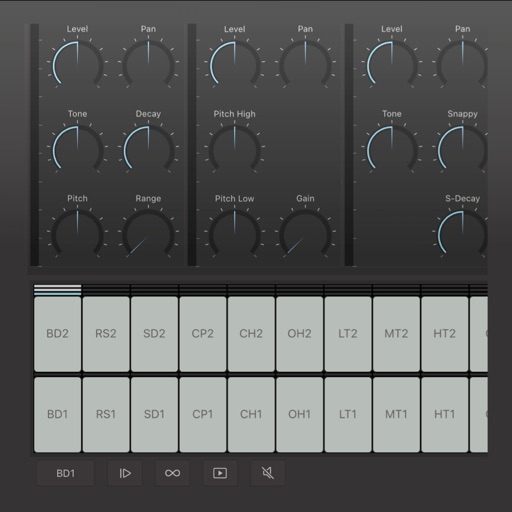
Create and edit drum patterns using 27 drum voices. Apply effects like delay, chorus, and reverb. Automate parameters and sequence 16-bar patterns. Save and load project files for later editing.