Simulate guitar and bass amplifiers on iOS devices. Connect guitar via digital audio interface. Use IR Loader to load amplifier models. Build custom sound chains with amplifiers, cabinets, stompboxes, and processors.
by Almateq SRL★ 4.197 ratingsMusicFreeData updated 2026-09-19
Allows users to tune electric guitar, acoustic guitar, bass guitar, violin, cello, and ukulele. It offers customizable tuning presets including Standard, Drop D, and Drop C. Users can switch between chromatic mode and tuning fork functionality.
Tune ukuleles using phone microphone for real-time sound analysis. Indicate if notes are sharp or flat. Adjust pitch with visual indicators. Save tuning sessions for reference. Share tuning results via social media.
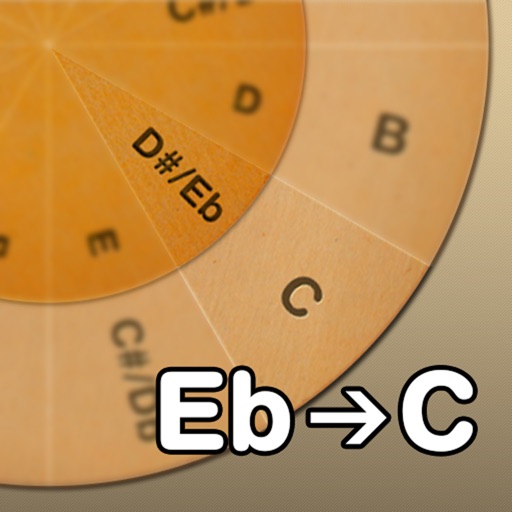
Adjust musical keys by rotating wheels to match original and target keys. Transpose chords for guitar players using capo positions. Modify song pitch to suit vocal range or instrument tuning.
Emulates the Klon Centaur guitar pedal with three adjustable knobs, a bypass switch, and two modes. Traditional mode uses circuit modeling, while Neural mode uses a recurrent neural network.
For verses, choruses, and other sections. Record audio for each part separately. Use the Chord Picker to add chords. View chords above in display mode. Add guitar tablature and access over 1000 chord diagrams.
Play with an 88-key and 7 octaves. Choose from 5 instruments and adjust sound settings. Resize keys and save custom configurations. Practice lessons or play live. Export music recordings.
Find chord diagrams for guitar, ukulele, and mandolin. Enter chord names to view different voicings or adjust diagrams to identify new chords. Hear how each chord sounds. Supports alternate tunings.
Tune guitar, bass, or other instruments using the device's microphone. Detect and adjust pitch with high precision. Supports multiple instruments including violin, viola, and wind instruments.
The app offers a musical experience with eight glowing instrument sounds including piano, drums, and guitar. Users can record their music and replay it with different instruments.
For verses, choruses, and other sections. Record audio for each section separately. Use the Chord Picker to insert chords. View chords above in display mode. Add guitar tablature and chord diagrams.
Create and edit musical scores with tablature and notation tools. Add chord diagrams and guitar effects. Play back compositions and share files. Supports stringed instruments like guitar and bass.
The app processes audio with real-time time stretch, pitch shift, and a 31-band equalizer. It also functions as an AUv3 host and supports A-B loop playback, center cancel, and mute functions.
Create and play chord progressions in various styles. Add chords, select instrument tracks, and hit play. Experiment with complex arrangements using hundreds of piano, guitar, synth, bass, and drum tracks.
Create musical compositions using traditional notation or guitar tablature. Edit scores with touch-based interface and advanced tools. Play piano keyboard, fretboard, or drum pad. Use handwriting recognition for input. Export and share compositions.