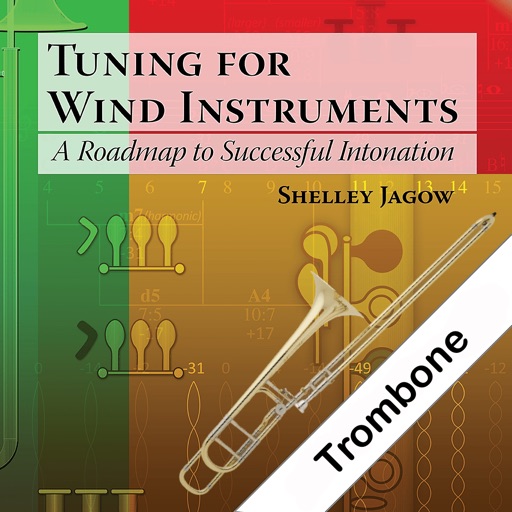
Access for wind, brass, and string instruments with detailed visual guides. Tap to highlight notes, zoom in for clarity, and switch between instruments. Save and share for practice or teaching.
Listen to from over 200 artists. Stream songs and concerts from Archive and other sources. View taping details, concert ratings, and show locations. Filter by venue or random selection. Supports background playback.
Listen to music and videos with playback controls. Transcribe audio into text using AI tools. Adjust equalizer settings. Record and save original audio. Access public domain music library. Generate smart summaries of audio content.
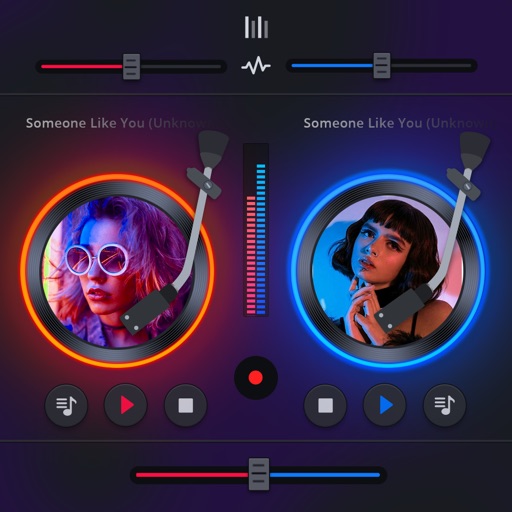
Manage playback with a 3D DJ interface featuring turntables and a 3-band EQ . Access a library to organize files and create custom mixes. Adjust volume and effects in real time during playback. Sync with external devices for live mixing.
The app plays FLAC, ALAC, and RAW audio files. It manages songs by playlist, album, artist, composer, and genre, and supports background audio playback.
Create and organize folder playlists. Import tracks from cloud storage and file systems. Access from authorized sources. Play without ads. Manage playback queue and adjust audio settings.
Create custom playlists and explore new tracks. Play high-quality audio without ads. Access free . Sync across devices. Manage playback queue and control volume remotely.
The app plays mp3, m4a, flac, and wav files without iTunes sync. Users can transfer music files via Wi-Fi and use features like Airplay, Chromecast, and bookmarking songs.
Play audio files in multiple formats including MP3, FLAC, APE, OPUS, and OGG. Adjust equalizer settings for 10 or 30 bands, customize bass and treble. Set alarms and sleep timers. Stream from 100,000 radio stations.
Students can watch drill animations synchronized with music from different perspectives. They can view individual coordinate sheets for song sets or counts. They can follow drill counts in real time with live coordinate updates.