Edit images with brightness, contrast, and other adjustment tools. Import photos and place them in customizable Story templates. Create gradients and use the dropper tool to match colors. Share edited content directly to Instagram .
Edit images to remove backgrounds and create transparent images. Use zoom for precise edits. Cut out objects and save as stickers. Export for use in presentations, documents, and image editors.
Edit photos with background erasing and replacement. Remove backgrounds automatically or manually using AI. Replace backgrounds with custom images, colors, gradients, or textures. Adjust and enhance images with precise editing tools.
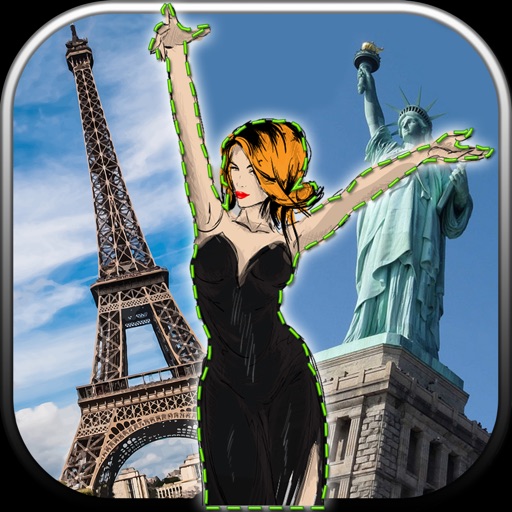
Edit photos by removing unwanted backgrounds and replacing them with scenic images. Cut out subjects and paste them onto new backgrounds. images for seamless montages. Share edited photos directly.
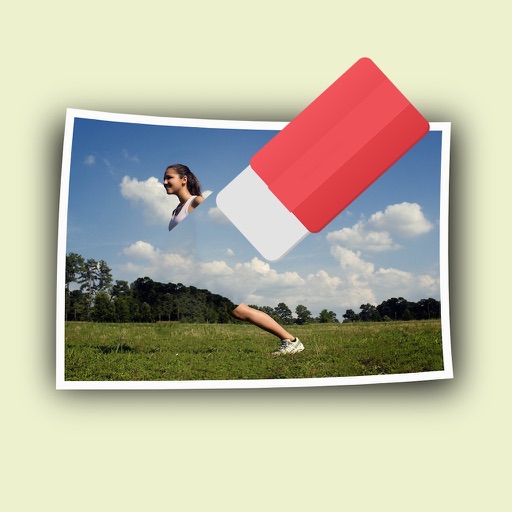
Remove unwanted objects from photos by deleting people, logos, watermarks, or text. Use intelligent fill to replace removed areas with appropriate background textures. Edit images directly in the and save the modified versions.
Edit photos with AI-powered background removal and erasure. Refine edges manually for precise results. Enhance image quality and create professional-looking photos without design skills.
Remove backgrounds from photos using AI. Select images from the gallery, automatically detect and cut around people or objects. Save as transparent PNG or replace with HD backgrounds. Edit and share edited photos directly.
Edit photos by removing backgrounds using neural network technology. Choose from various options or leave as white. Upload selfies and replace backgrounds instantly. Export edited images in standard formats.
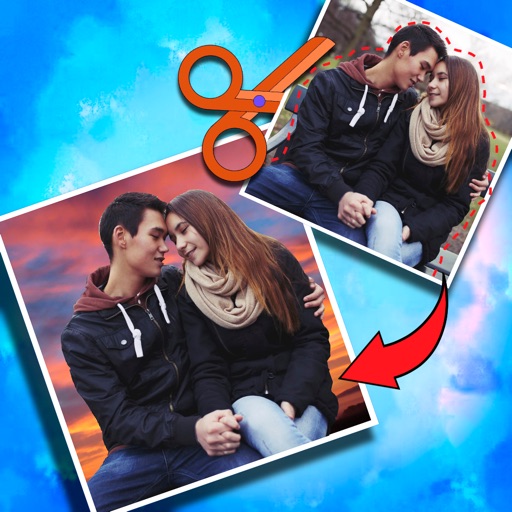
Crop photos and save individual cropped sections for later use. Combine cropped images with backgrounds or other photos to create new compositions. Apply filters to enhance the visual appearance of edited images.
Edit videos by trimming, cutting, and cropping clips. Overlay stickers and multiple clips. Add music to enhance videos. Create professional-looking vlogs with intuitive tools. Export and share finished videos directly.
Remove backgrounds from photos using deep neural networks. Cut out people or objects and paste them into new images. Swap backgrounds and save edited images in various formats.
Remove photo backgrounds using intelligent erasing tools. Select and eliminate specific colors or objects. Make backgrounds transparent for use in collages or stamps. Export edited images for further editing or sharing.
The app allows users to remove and edit backgrounds of pictures. It offers smart and manual cutout tools, with options to move, zoom, rotate, and crop images.
Allows trimming, cutting, and adding effects to videos. Collage lets arrange multiple photos into grids or layouts. Slideshow creates timed photo presentations with music. Photo offers filters, cropping, and text tools.
Edit photos with filters, cropping, and adjustments. Add text, stickers, and layers. Create collages with 500+ grid templates supporting up to 9 images. Design stories with templates and grids. Cut out photos and add backgrounds.
Create AI-generated images, avatars, and logos from text or photos. Edit photos with advanced tools. Redesign home interiors using AI. vatars from uploaded images. Transform ideas into visuals with AI-powered design features.
Create videos by combining photos and videos. Trim and merge media files. Add background music and transitions. Apply filters to enhance videos. Import from photo library. Share on Facebook, Instagram, YouTube, and email.