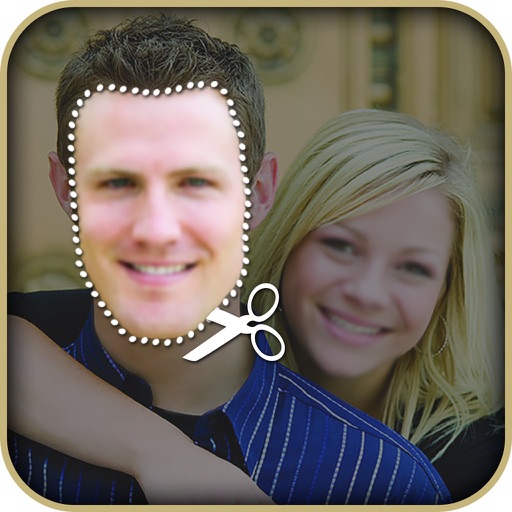
The app allows users to cut portions of photos, such as faces or objects, and paste them onto other images. Users can select photos, cut parts of them, and then paste these cut sections onto different backgrounds from their gallery or camera.
Edit photos by removing unwanted background elements. Add romantic and stickers to images. Create collages for Day. Decorate pictures with customizable art tools. Share edited images directly.
Remove backgrounds or objects using AI by adding a and tapping "remove." Adjust the new background to a custom color, white, another image, a gradient, or a preset. Add text, shapes, and photos to the edited image.
Edit photos with blending tools to create double exposure effects. Add frames, quotes, and background elements. Apply single-layer filters. Export edited images without ads. two images with one touch.
The app allows users to select foreground images from various sources and erase backgrounds. Users can then add background images, text with over 100 font styles, and over 1000 stickers to create edited photos.
Create maps with drag-and-drop editing and customizable styling options. Adjust fonts, colors, and shapes. Insert and crop images with filters. Share mindmaps via social media, .mmx files, or PNG images. Sync files across devices using iCloud.
Create collages by combining photos and videos. Generate AI-powered videos from text or images. Edit clips with trimming, filters, and transitions. Export videos for Instagram, TikTok, YouTube, Facebook, and Pinterest.
Remove unwanted objects, people, or backgrounds from photos using AI. Tap to erase clutter or clothing elements. Edit and save modified images directly.
Create PIP photos and collages using frames, filters, and effects. Add text, stickers, and adjust brightness and contrast. Share edited images directly or save to the gallery.
Edit photos with AI-powered background removal and replacement. Choose transparent, white, or custom scene backgrounds. Generate realistic shadows and adjust lighting. Export in high-quality formats and share directly.
Edit photos with filters, effects, and backgrounds. Create collages and layouts with ready-made designs. Crop and mirror images for social media. Add text and frames. Share edited photos directly to WhatsApp and Instagram.
Edit photos with , , and collage tools. Create and custom layouts. Adjust brightness, contrast, and saturation. Add text and stickers. Export and share edited images.