Apps Like Split Pic : Pic Collage for iPhone and iPad
Edit photos, create collages, combine videos
Create collages with multiple layouts and effects. Combine photos from gallery or camera. Merge videos into single clips. Add transitions and effects. Edit images with cropping and filters. Share finished collages directly.
by Peter Jones★ 4.41,662 ratingsPhoto & VideoFreeData updated 2026-09-19
Create videos using pre-designed templates with animated effects and flashy transitions. Add text, music, and filters. Edit clips, adjust timing, and apply transitions. Share finished videos directly to social media.
Create visual stories with built-in editing tools and customizable templates. Adjust brightness and add effects. Insert stickers, emojis, and text. Organize photos into collages.
Edit photos with cropping, formatting, and collage tools. Apply professional filters, frames, and backgrounds. Use the aging camera to preview future self. Add animated effects and secure vault for private content.
Edit photos with cropping, lighting adjustments, color correction, and professional filters. Design greeting cards and collages with customizable frames and layouts. Add personalized messages, stickers, and text to create unique invitations.
Create collages by adding photos and selecting aspect ratios. Choose landscape or portrait orientation. Add text to the collage. Shuffle for new layouts. Adjust design with an intuitive interface.
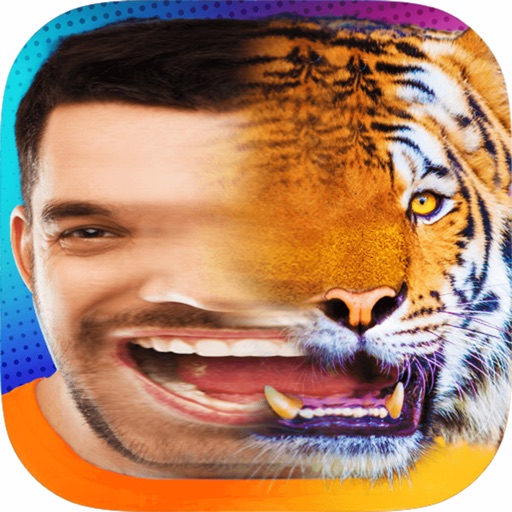
Create morphs by blending faces in steps to transition between two images. Generate GIFs and videos of the process. Share the created content directly with others.
Videos by selecting backgrounds, trimming clips, and adding kids characters. Overlay text and use green screen to remove backgrounds. Apply keyframes and animations for custom effects. Export and share finished videos.
Create and Instagram carousels with customizable templates and drag-and-drop editing. Add text, stickers, and filters. Export and share directly to social media. Adjust layout for seamless swipe-through viewing.
Convert photos to colored or black and white sketches using 7 available effects. Choose a photo from the library or take a new one. Apply a effect and save the result to the device. No internet connection is required.
Create movies by combining short and rearranging them. Add multiple texts and background music from the or your own files. Adjust brightness, contrast, exposure, hue, and sharpen settings for each clip.
Remove backgrounds from images by drawing a closed curve. Automatically erase similar color areas for transparent results. Adjust brush size for precise edits. Pan, zoom, and rotate images.