Apps Like Split Pic : Pic Collage for iPhone and iPad
Edit photos, create collages, combine videos
Create collages with multiple layouts and effects. Combine photos from gallery or camera. Merge videos into single clips. Add transitions and effects. Edit images with cropping and filters. Share finished collages directly.
by Peter Jones★ 4.41,662 ratingsPhoto & VideoFreeData updated 2026-09-19
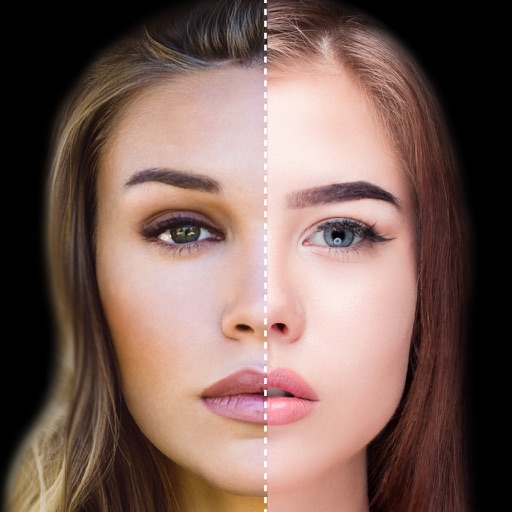
Find lookalikes using AI. Create collages with gradient face-to-face effects. Share with hashtag #looklikeme. Transform photos into art with AI styles. Upscale images for better clarity. No photo storage.
Edit photos and videos with AI-generated anime styles, including facial enhancements and background effects. Apply filters, adjust colors, and add animated elements. Export edited content in various formats and share directly.
Edit and enhance and pregnancy photos with filters, cropping, and text overlays. Add custom artwork and themed layouts for milestones. Create and organize visual stories with date stamps and captions.
Choose a photo to generate AI-powered dancing videos. Apply pre-designed effects to create funny or bizarre animations. Adjust timing and transitions. Share videos directly to social media platforms.
Senfoni Yazilim Hizmetleri Sanayi Ve Ticaret Limited Sirketi
Edit photos, add text, create collages
Edit photos with filters, cropping, and adjustment tools. Add text and graphics from a large selection. Create collages and designs with editing options. Export in multiple formats and share directly.
Take selfies with a live beauty and apply custom filters. Create collages in 18 styles with masks and frames. Add spiral or neon effects to photos. Enhance and save library images. Capture selfies with a timer.
Edit photos by adding speech bubbles with 15 styles and customizable colors and fonts. Create collages with comicbook-style layouts. Share photos directly from the . Drag, rotate, and pinch elements for editing.
Edit photos and videos using AI to generate artistic visuals. Apply dynamic transitions between original content and AI-enhanced effects. Share edited media directly to social platforms.
Create collages by combining photos and templates. Add text, stickers, and frames. Choose from various styles and themes. Share finished collages on social media or via email. Edit images with basic tools like cropping and brightness adjustment.
Edit photos with filters, cropping, and AI enhancements. Create AI-generated art and avatars from images. Convert photos into animated videos with motion and effects. Design custom layouts and export in various formats.
Create collages by selecting a layout and adding photos. Arrange images in customizable grids or freeform styles. Export collages in various formats and share via social media or messaging apps.
Edit videos with trimming, splitting, and cutting tools. Add transitions, text, and stickers. Apply filters and effects. Export in high quality. Share directly to social media platforms.
Edit photos and videos with AI-powered tools, apply filters and overlays, and create dynamic videos from images. Share edited content via email or social media platforms like Instagram and Facebook.
The app allows users to create collages for iPhone or iPod Touch wallpaper using a multitouch interface. It offers creative options such as a black-and-white or sepia converter, border addition, and transparency adjustment.