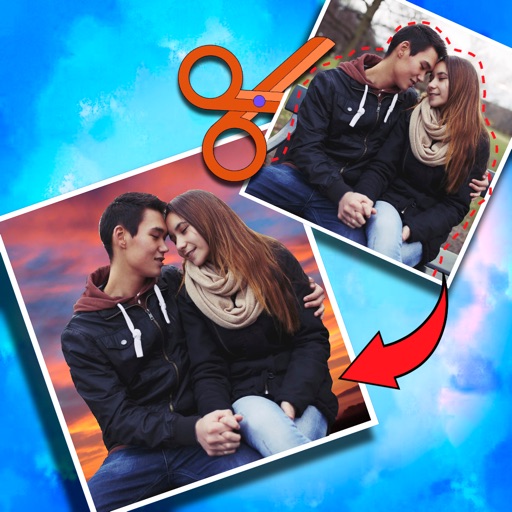
Create -outs by removing backgrounds automatically. Preserve facial features with recognition. Crop and resize images with percentage scaling. Save as transparent PNG or custom background JPG. Generate outlines around subjects.
by Boudewijn Krijger★ 0.00 ratingsGraphics & Design$7.99Data updated 2026-09-19
Add to videos with animation options. Customize size, color, opacity, and background of captions. Animate line by line, word by word, or character by character. Adjust timing and speed. Position and rotate freely. Add multiple captions per .
Design thumbnails and channel art for YouTube channels. Customize shapes, add text and images. Adjust colors and layouts. Export as PNG or JPEG and share directly.
Remove backgrounds using advanced tools like lasso cut out, erase, and unerase. Replace backgrounds with custom images or search for available options. Adjust image position, zoom, rotate, and crop for precise placement.
Record video with manual focus, shutter speed, ISO, and white balance settings. Capture in customizable resolutions, frame rates, and color spaces. Sync multi-cam sessions across up to four devices.
Create large tiled banners from photos for Instagram. Adjust size, add photos, and scale or move images. Save tiled banners to your album and upload to Instagram.
Capture high-resolution images with HD . Remove photo backgrounds and restore old memories. Edit photos with AI enhancements. Adjust focus and exposure settings. Share edited photos directly.
Crop photos and save individual cropped sections for later use. Combine cropped images with backgrounds or other photos to create new compositions. Apply filters to enhance the visual appearance of edited images.
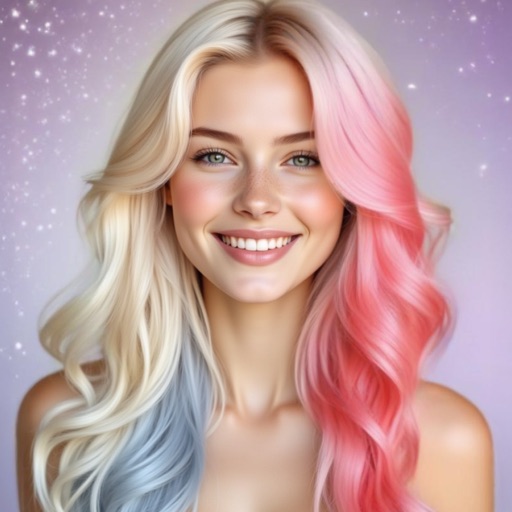
Try different hairstyles and colors using AI technology. Adjust facial options and experiment with cuts. Edit length and style with simulation tools. Preview changes on your face shape and save preferred looks. Share edited results directly.
The app allows users to replace a green screen background with any image from their camera roll. Users can load foreground and background images, move and size them, and adjust extraction values, brightness, and color.
Edit photos by removing objects, erasing backgrounds, enhancing quality, expanding canvas, or replacing elements. Generate new images with AI filters. Perform basic edits and apply creative AI effects. Save and share edited photos directly.
Cut out objects from photos using automatic and manual tools including lasso, instant alpha, and eraser. Refine hair and edges for detailed results. Change backgrounds and apply effects to edited images.
360 COMPANY BILISIM TEKNOLOJILERI REKLAMCILIK MEDIKAL TURIZM SANAYI VE TICARET LTD STI
Try on hairstyles and colors
Try on hairstyles, including short, long, curly, and straight options, tailored to your face shape. Change color instantly with adjustable shade filters. Experiment with beard styles, adding, removing, or modifying facial .
The app transforms any picture into Japanese wood-block prints with hand-chiseled outlines and brushed color. Users can adjust outline properties and color palettes, choosing between Multi-Color or Multi-Block printing styles for artistic results.
Edit photos with background removal, cropping, and resizing tools. Adjust brightness, contrast, and color. Choose from and ID photo templates. Preview and export in required formats. Share directly or save for later.