Connect your Techno or neo to play music. Choose from various instrument sounds and built-in rhythms. Adjust settings to customize sound. Access controls through a simple, intuitive interface. Jam along with pre-set beats or create custom tracks.
by CUBE Co., Ltd.★ 3.950 ratingsMusicFreeData updated 2026-09-19
Teach music theory with note identification, fingerings, and rhythms. Track student progress and assign exercises. Include alternate fingerings in red. Motivate learners with quizzes and progress reports.
Enhance musical skills through structured practice and personalized learning.
The app offers a structured approach to musical training with a variety of exercises. It allows users to customize their learning experience and track progress effectively.
Create and arrange music with chord progression tools, lead sheet display, and notation editing. Generate backing tracks, export songs, and transfer files. Play and record melodies, add lyrics, and print sheet music.
Play violin with realistic sound simulation. Access 10 different scales including ALSABA, NAVA ASAR, BAYATI, ALRAST, HOZAM, and HEJ. Adjust rhythms and quarter flat tunes. Practice with built-in tuning and performance features.
Process audio with up to four effects. Route audio from external devices or sound files. Connect to iOS drum machines or synthesizers via Inter- Audio or Audiobus. Adjust effect parameters for sound shaping.
View guitar scales on a virtual neck with adjustable base notes and note labels. Customize tuning settings including Drop D or user-defined tunings. Zoom in and out of the neck for detailed scale visualization.
Create and arrange melodies, bass lines, and drum beats by moving dots on the screen. Switch chords and patterns instantly. Apply delay and reverb effects to instruments. Tap or drag to build sequences. Sync with AirPlay for playback.
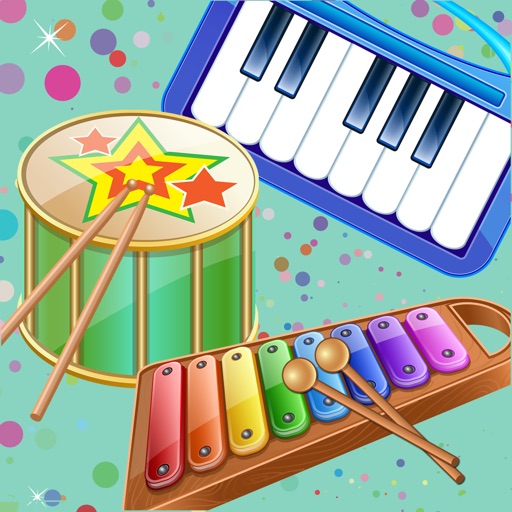
The app provides a fun way for children to learn about musical instruments and create their own music. It features colorful instruments with authentic sounds and simple navigation suitable for young users.
Create and manipulate sounds using additive synthesis. Adjust sine wave parameters to shape timbres. Layer multiple partials to build complex tones. Save and export custom sound designs. Import and export audio files for further processing.
Play notes with finger pressure sensitivity. Adjust pitch with microtonal tuning and transpose settings. Apply reverb and chorus effects. Practice scales and chords. Save and share performances. Sync with music theory tools for guidance.
Access fingerings for over 200 instruments. View fingerings on a virtual instrument or as a diagram. Suitable for beginners and professionals. Learn and practice correct finger placements for various instruments.
Create custom guitar distortion effects using emulated circuits from various sources. Adjust tone shaping parameters and combine effects in a chain. Export presets and apply to audio tracks in DAWs.
Learn notes, fingerings, and rhythms with gameplay
Learn music notes, fingerings, and rhythms through interactive gameplay. Practice with visual aids and alternate fingerings. Track progress and receive instant feedback. Play timed challenges to improve speed and accuracy.