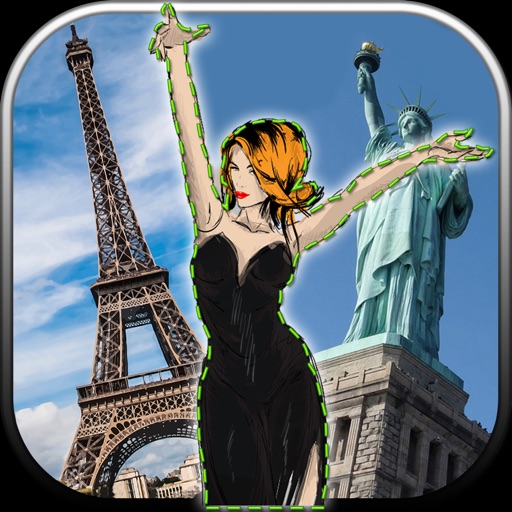
Edit images by cutting out unwanted areas with the lasso tool. Use the magnifier and eraser for precise adjustments. Revert changes and undo errors. Zoom, rotate, and move the foreground. Search Flickr for backgrounds or upload your own.
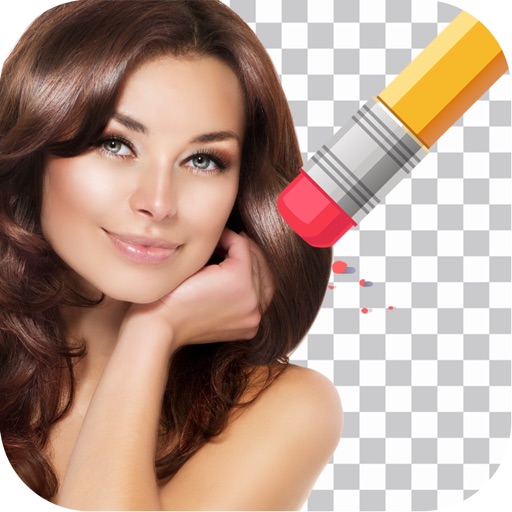
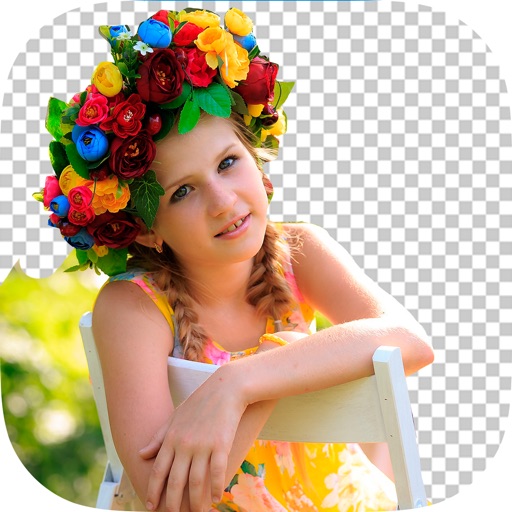
Remove photo backgrounds using intelligent erasing tools. Select and eliminate specific colors or objects. Make backgrounds transparent for use in collages or stamps. Export edited images for further editing or sharing.
Edit photos and videos with AI-powered tools. Apply instant presets for enhanced visuals. Auto-remove backgrounds and generate captions from speech. Export in multiple formats and share directly.
Remove from images using AI-powered cutout. Select between "Star" mode for edge detection or "Auto" mode for pixel-based erasing. Save transparent images for use as stickers in other apps.
Edit photos by removing unwanted backgrounds and replacing them with scenic images. Cut out subjects and paste them onto new backgrounds. images for seamless montages. Share edited photos directly.
Create photo collages and composite images by combining up to 11 photos in a single layer. Remove unwanted areas with the background eraser tool. Adjust color tones to enhance image appearance. Export edited photos in various formats.
Remove backgrounds using advanced tools like lasso cut out, erase, and unerase. Replace backgrounds with custom images or search for available options. Adjust image position, zoom, rotate, and crop for precise placement.
Edit with filters, stickers, and emojis. Create photomontages with built-in effects. Apply artistic tools for detailed edits. Add with customizable fonts and colors. Export and share edited images directly.
Edit photos with AI-powered tools like face swap, background removal, and object removal. Enhance image quality with the quality enhancer. Convert images to video. Use the AI agent for generating photos and editing concepts.
Remove backgrounds from photos by tapping areas to erase. Automatically or manually adjust transparency. Save edited images in HD quality. Export and share edited photos directly.
Create videos using AI-powered tools like VideoGen for element swapping and AI Auto Cut for highlighting key moments. Add dynamic captions and generate text-to- content. Export and share videos directly to social platforms.
Edit photos with advanced retouching tools, AI-powered headshot enhancement, and customizable filters. Adjust skin tone, remove blemishes, and refine details. Share edited photos directly to social media platforms.
Displays calendar events from synced sources like Google, Yahoo, and Exchange. Shows meetings and appointments with customizable event colors. Allows adding new calendars and managing event details.