Type characters using Traditional or Modernized layouts. Switch between layouts instantly. Input text in within apps like Messages, Facebook, Instagram, and Twitter. No additional installation required.
Control your Mac or PC with an iPhone, , or iPod. Use simulated touchpad and keyboard functions. Access panels for media playback, file transfers, and presentation controls. Perform actions like dragging, clicking, and scrolling.
Turn your smartphone or tablet into a wireless for your Mac. Connect quickly without technical setup. Use touchpad controls with swipe, scroll, and tap gestures. Control your device from across the room during presentations or tasks.
Control your Smart TV with a that allows turning it on and off. Use a built-in keyboard for typing on the TV. Navigate with a trackpad support for precise movement.
Your smart TV with a smartphone . Adjust volume, change channels, and navigate menus. Record and share screen content. Support multiple TV brands and models.
Provides instant translations for English words. Offers letter suggestions and differentiation. Enhances typing speed by 50%. Supports offline functionality. Encourages community sharing and development support.
The app provides extended keys for the Italian keyboard on iPhone and iPod. It includes arrow keys for faster caret movement and dedicated keys for typing extended characters and quotation marks.
The app provides extended keys for the Dutch keyboard on iPhone and iPod. It includes arrow keys for faster text editing and dedicated keys for typing extended characters and quotation marks.
The app provides extended keys for the Rumanian keyboard on iPhone and iPod. It includes arrow keys for faster text editing and dedicated keys for typing extended characters and quotation marks.
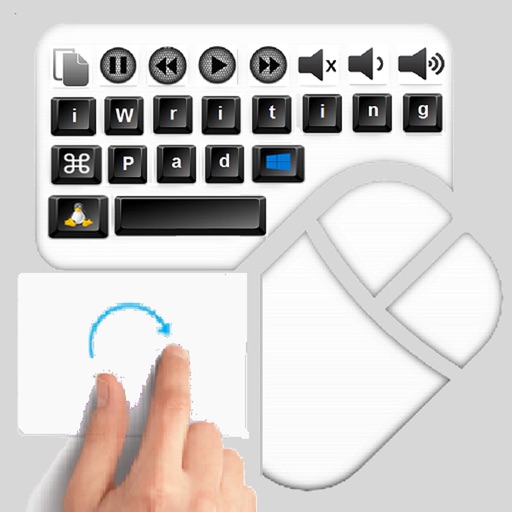
The app provides an iPad user experience on computers. It allows users to control PCs using touch gestures as a remote mouse and handwriting recognition keyboard.
Browse websites full-screen on Apple without the black bar. Access Gmail, Outlook, and Google Drive. Choose a search engine and sync bookmarks across devices. Use voice, scribble, or keyboard input. Navigate URLs with auto-complete.