Perform calculations with basic math operations including addition, subtraction, multiplication, division, and square roots. View tape and history by swiping from the right. Copy results with a tap.
by Oto Insa★ 4.424 ratingsUtilitiesFreeData updated 2026-09-06
Solve math problems with basic and complex calculations. Convert units and exchange currencies. Use fractions and square root functions. Perform calculations quickly and accurately.
Calculate fractions and mixed numbers without converting to decimals. Perform addition, subtraction, multiplication, and division. Convert between fractions and decimals. Input measurements for precise calculations.
Perform complex calculations using RPN input. Access programmer functions for base conversions and bitwise operations. Use fraction mode and probability distributions. Track time with a stopwatch. Store and retrieve custom programs.
Allows control of QLab workspaces via WiFi, enabling start, stop, and cue selection. It includes a MIDI Tester for sending and receiving MIDI messages. Users can monitor levels, adjust EQ settings, and manage cue lists in real time.
Learn addition, subtraction, multiplication, and division through practice modes. Adjust difficulty levels to match skill. Play in game modes like rapid fire and time trial. Track progress with weekly statistics and custom number ranges.
Math problems with personalized hints and instant feedback. Track progress through quizzes and targeted exercises. Strengthen foundational skills and prepare for exams with structured sessions.
Practice arithmetic with addition, subtraction, multiplication, and division exercises. Set difficulty levels and track progress. Receive instant feedback and adjust settings for personalized learning.
Upgrade your free with paper tape history for reviewing and editing past calculations. or export the history to iBooks, Dropbox, email, or . Save and retrieve files, add comments, and modify entries. The iPad version includes a full-sized keypad.
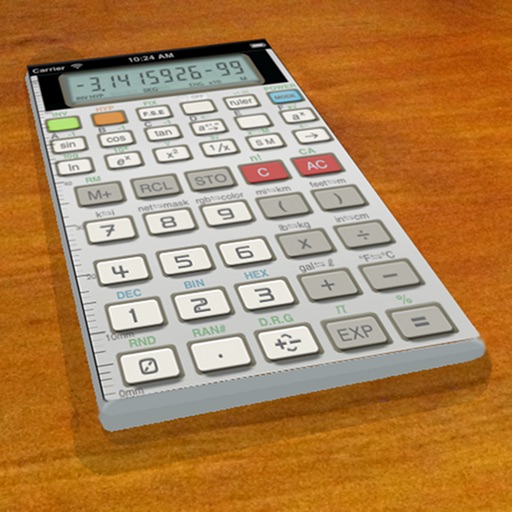
A vintage-style scientific calculator with a retro LCD display and realistic key sounds. Perform basic and advanced calculations, use shift functions, and access additional modern features like parentheses and memory storage.
Perform calculations with over 225 built-in operations including trigonometry, logarithms, complex functions, and real numbers. Scroll through the stack with finger gestures. Copy and paste results. Work with real and complex numbers.
The app offers a scientific calculator with complex number support and programmable keys. It includes graphing capabilities for up to nine equations, vector and matrix calculations, and a unit converter for various measurements.
Calculate net present value for uneven or even cash flows. Input cash flow amounts and discount rates. Copy results to clipboard. Support unlimited years of cash flow data.
Perform complex mathematical calculations with up to 15 digits of decimal precision. Handle large numbers without ellipsis. Save and reuse calculation equations. Access calculation history even after closing the .
Perform complex mathematical calculations including trigonometric functions, logarithms, and exponentials. Switch between radians and gradients. Edit equations and save results for future reference.
ContractorCalculator helps users perform on-the-go calculations for square footage, measurement conversions, and fraction math. It supports trade-specific tasks like amps to watts and wire size.
The app provides a simple and intuitive interface for performing calculations. It supports multiple number systems and includes various conversion tools.
Perform complex calculations with support for real and complex numbers. Manipulate symbolic expressions and use over 225 built-in functions. Scroll through results with finger gestures. Copy and paste data for easy sharing.