Apps Like makeART: Art Editor+Generator for iPhone and iPad
Create art with tap and swipe gestures
Create art by selecting styles and swiping the screen. Customize canvas settings including opacity, size, and layers. Combine tools to explore creative possibilities. Save and share artwork directly.
by Make Art Inc.★ 4.562 ratingsGraphics & DesignFreeData updated 2026-09-06
Create intricate tessellations and mandalas using 20 symmetry options. Draw with customizable colors and patterns. Adjust symmetry settings to design complex shapes. Save and export artwork in various formats. Share creations directly from the .
Create digital art using intuitive touch gestures to generate artwork in various styles. Customize creations with opacity, size, layering, and drawing tools.
Animated movies using frame-by-frame . Import and edit vector graphics. Access tutorials for learning techniques. Export animations in various formats. Collaborate with others through community features. Adjust timing and add sound effects.
Swipe to fill blocks and reveal hidden pixel art. Avoid touching enemies to progress. Tap to select and move blocks. Complete levels to unlock new images. Track progress and replay levels.
Create artworks from photos or videos using styles like , sketch, oil painting, and watercolor. Choose textures such as canvas or paper. Adjust tones and apply filters. Share creations directly from the .
FITNESS TRAINING GLOBAL ONE MEMBER COMPANY LIMITED
Sketch with AR and AI
AR – Project sketches onto real-world surfaces using augmented reality. objects for precise outlines. AI-powered tools suggest color palettes and brush strokes. Edit layers, adjust opacity, and apply effects.
Create digital art with 105 tools including pens, pencils, and brushes. Import and edit photos. Add text and rotate elements. Customize brush settings. Use customizable canvases. Save and share artwork.
Create still or animated drawings that flow and evolve. Use generative brushes for natural, responsive sketching. Design fluid artwork for backgrounds or sharing. Adjust brush settings for precise control. Export drawings in various formats.
Create by painting individual pixels. Adjust canvas size, select colors, and customize border settings. Erase, undo, and resize drawings. Save artwork to gallery and storage. Share completed pieces others.
Create vector art using Bézier tools and Apple Pencil. Convert sketches or photos to SVG format. logos, icons, illustrations, and UI assets. Export vector files for production use. Refine curves and edit vector drawings directly.
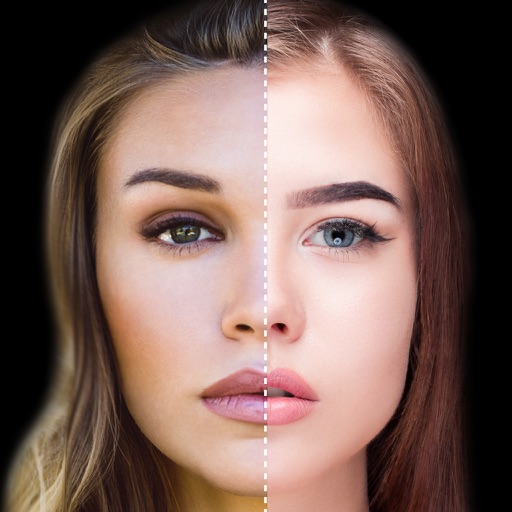
Find lookalikes using AI. Create collages with gradient face-to-face effects. Share with hashtag #looklikeme. Transform photos into art with AI styles. Upscale images for better clarity. No photo storage.
Tap or swipe pieces to reveal hidden art. Complete levels with diverse challenges. art pieces as you progress. View rich visual effects and track progress through multiple stages.
Apply real-time cartoon and art effects to live camera feed. Record videos and take photos with cartoon filters. Convert existing videos into animated cartoons. Share edited content directly.