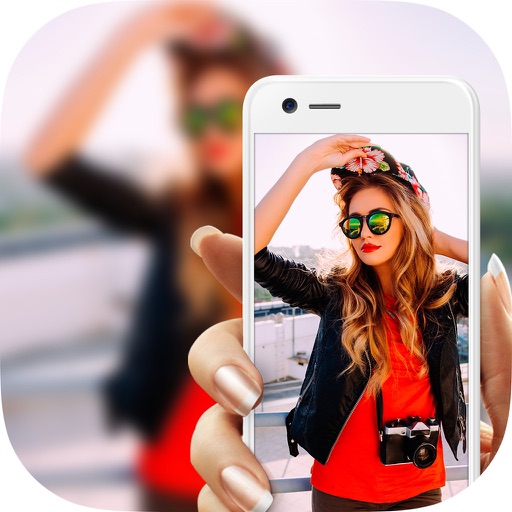
Capture photos with timed intervals of 3 or 5 seconds. Use skin beauty filters to enhance appearance. Shoot multiple frames without manual shutter presses. Experiment with poses and distances to select preferred shots.
The app offers photo editing tools including effects, frames, and stickers. Users can adjust brightness, contrast, saturation, and warmth, and also sharpen or blur images.
Grisoft Yazilim ve Bilisim Hizmetleri Limited Sirketi
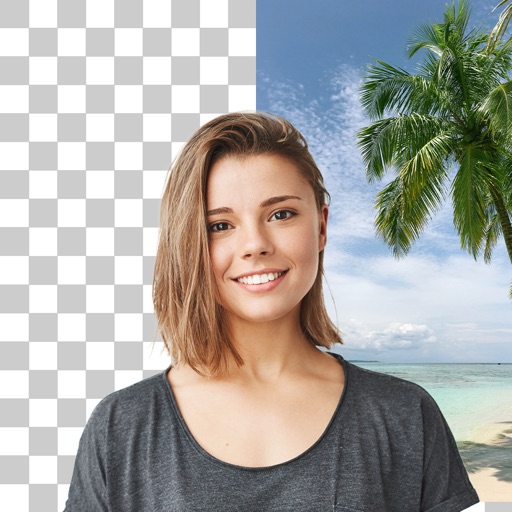
Edit photos, remove objects, adjust backgrounds
Edit photos with object removal, background erasing, and blur tools. Add stickers, neon lights, and colorful lines. Apply artistic effects and create black and white photos. Adjust backgrounds and highlight objects for professional results.
Add to photos with customizable fonts and styles. Choose from 250+ fonts and 200+ templates. Include layers for , images, shapes, and stickers. Access a variety of stickers, icons, and quotes. Apply single color or gradient color palettes.
Edit photos with cropping, filters, and adjustments. Remove unwanted objects or people using the Magic tool. Replace backgrounds to create montages. Create collages with pre-designed templates. Export edited photos in multiple formats.
Create from photos or images. Add text to make . Customize with images, text, and other . Browse and organize in one view. Move between packs. Export sticker packs to files. Import previously exported sticker packs. Share with contacts.
Add frames, patterns, colors, and blur effects to profile pictures. Adjust background color and apply instant DP borders. Resize and rotate images for Instagram. Post full-size photos without cropping. Create images for social media.
Convert and photos to color using AI. Enhance old images by sharpening faces and improving clarity. Restore vintage portraits and colorize faded photos with realistic results. Edit and share enhanced photos directly.