Learn coding concepts like sequencing and events through interactive challenges. Create custom programs using a visual drag-and-drop interface. Control and Dot with programmed commands. Share projects and track progress.
Use AR to visualize LEGO Technic models in real-world environments. Interact with realistic sound effects and functional features. Learn about robotics and engineering through integrated educational content.
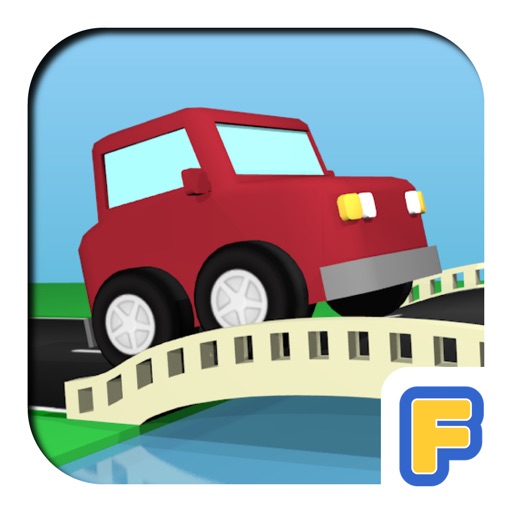
Build roads using straights, corners, bridges, and traffic light junctions. Add cars from over 20 options and place scenery. Drive cars on completed roads and avoid collisions. Include pavements and lakes in road designs.
Create fractal art using mathematical equations. Generate intricate patterns with customizable parameters. Adjust color, scale, and iterations. Save and export designs in various formats. Share creations directly from the .
Create stickmen using drawing tools and customize appearances. Navigate a storybook world with puzzles and mysteries. Unlock secrets, collect drawings, and share creations. Add sound effects and animations to drawings. Save and revisit progress.
Program Hopper drone with visual blocks or JavaScript. Control drone functions and access updated robotics lessons. Retain core features from Google Workbench™.
Access official game manuals for the VEX V5 Robotics Competition. Track scores using an intuitive calculator. Use a built-in timer with official sounds for practice matches.
Explore flight theory, mechanical design, and coding basics through interactive lessons. Build and test virtual aircraft models. Simulate flight scenarios and analyze performance data. Collaborate on projects and share progress with educators.
Create art with . Choose from nature scenes, portraits, animals, and mandalas. Customize colors, add textures, and save or share drawings. Import images for custom pages. Use layers and brushes for detailed illustrations.
Allows teams to access and update sheets in real time. Users can log data, track team progress, and share notes. Collaborate with teammates to ensure everyone has the latest information.
Browse 3D animated building instructions for Lego® sets. Follow step-by-step guides to create animals, architecture, planes, trains, and Star Wars models. Challenge kids to build alone or compete against time. Add new models weekly.