Play using a USB MIDI keyboard with 25 or 37 keys. Connect to iPad for full functionality. Access tutorials for setup and use. Select instruments and adjust settings. Export audio recordings. Control volume and effects. Sync with other music apps.
Create and manipulate sound using two oscillators and one noise generator. Adjust frequencies in Hz or MIDI notes. Apply lowpass filters individually to each . Use panning for spatial effects.
Create and edit music with virtual instruments, MIDI sequencing, and audio recording. Arrange tracks, adjust parameters, and export projects. Supports hardware integration for advanced features.
Create and manipulate MIDI sequences using physics-based plugins. Adjust parameters to control sound generation. Export MIDI files and integrate with compatible DAWs and hosts.
2 allows users to create drum kits with up to 64 samples per kit. Each pad supports 5 layers. Users can arrange samples in a 4x4 pad layout with 4 sample banks. Multi-sample layers can be controlled individually.
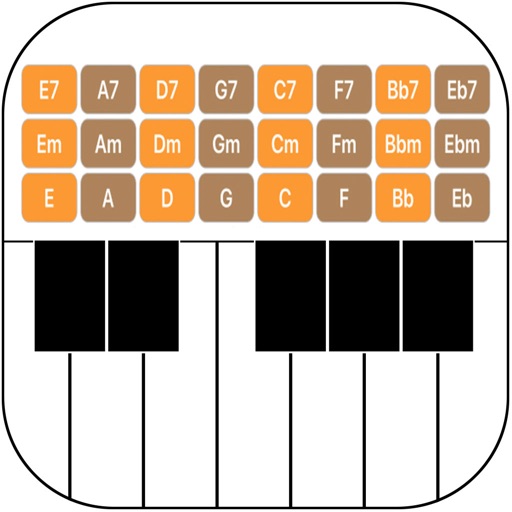
Turn your iPhone or iPod Touch into a musical instrument. Select chords and strum strings with fingers to create arpeggiated sounds. Edit and share songs, use MIDI support, and transpose notes with in- purchase.