Allows users to write notes quickly without creating new entries. It supports typing text, solving simple math problems, and syncing across devices via iCloud. Notes are stored in a single document.
Pin notes to Home Screen, Lock Screen, or Apple Watch for quick access. Organize tasks, reminders, and to-do lists by category. Customize backgrounds with colors, patterns, or personal photos. Choose fonts, adjust size, spacing, and color.
Create notes using voice commands, Apple Watch, or in- dictation. Attach images, PDFs, videos, and files. Draw sketches directly. Access notes via home screen widgets or clipboard capture.
Manage kitchen tasks with configurable timers that function even when the is not running. Calculate servings and convert measurements using a built-in chart. Save notes and favorite websites for quick access.
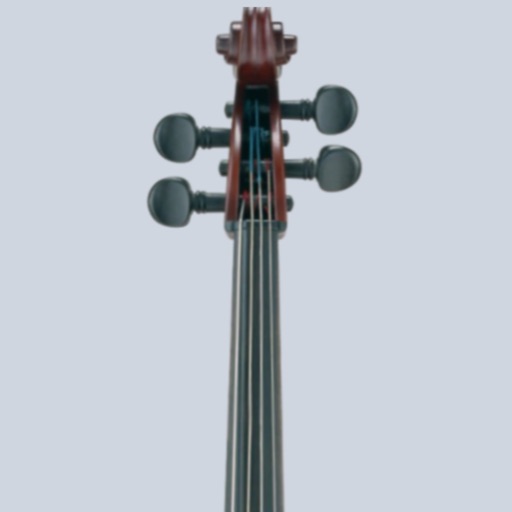
Tune cellos to standard pitch with a visual needle and audible notes. Switch between automatic note detection and chromatic modes. Adjust tuning settings for precise pitch accuracy.
Organize notes in folders and add pictures. Check items as complete with due dates and reminders. Search notes and filter by tags or calendar dates. Sync across iOS devices and view notes on web. Share folders with others and use journal mode.
Add unlimited to Home Screen and Lock Screen. Edit notes directly on . Customize appearance and set interactive elements. View notes instantly upon picking up the phone. Supports transparent and standby widget styles.
Organize notes, lists, and to-dos in a single . Add detailed content to notes. Use quick search to locate notes instantly. Mark items as complete or cross them off. Maintain a centralized record of thoughts and ideas.
Record and transcribe voice notes using Apple Watch compatibility. Convert spoken words to with advanced voice recognition. Create journal entries, take book notes, or set reminders through voice input.
Calendar allows viewing by month, week, or day with iCloud and Google Calendar sync. Add memos, links, and maps to events. Supports recurring events and templates. Includes widgets for quick access. Adjust text size and font style.
Access your note-taking Vault directly from the home screen via . Create quick notes without waiting for sync. Customize note destinations to automate workflows like adding to daily notes or timestamping entries.