Create and edit with custom colors, fonts, and sizes. Record tasks, to-do lists, study plans, and shopping lists. Set as home screen widgets or lock screen. Add unlimited widgets.
Add photos to by inserting images from the photo library or taking new ones. Backup securely and easily. Organize without account registration or monthly fees. Edit and view in a clean, high-performance interface.
Display customizable on Lock Screen or Home Screen for reminders, goals, or tasks. Use Markdown to style with bold, italic, or strikethrough. Includes 20 for different layouts. Syncs across devices via iCloud. Tap widget to edit directly.
Create journal entries, to-do lists, and calendar events by typing or speaking. Schedule recurring tasks and complex plans with Calendar Event IQ. Translate text, write with AI assistance, and share notes directly.
Write entries with fast and simple text input. Attach photos to notes. Choose from multiple themes for font and background. View all notes in a calendar with monthly, tag, and overview views. Search by keywords. Backup and restore data.
Take notes with a minimalist interface that minimizes distractions. Choose from 20+ colorful themes or enable random theme selection. Switch between light and dark mode. Organize notes into folders and add tags for easy categorization.
Track and manage counters with customizable colors and sorting options. Use hotkeys and right-click for quick actions. View counting history and total values. Set auto-reset and last change timers. Access widgets on home and lock screens.
Manage multiple nested lists with multiline titles and notes. Set priorities, due dates, and repeating schedules. Check, uncheck, or delete items individually or in bulk. Access help tips and view icon badge numbers.
Capture thoughts quickly with a simple note-taking . Create notes instantly with a clean interface. Sync via iCloud or keep local. Track word and character counts. Customize fonts. Automatically link URLs. Share or use with Shortcuts.
Securely store and manage private notes with encryption and passcode protection. Set custom passcodes for individual notes. Lock notes with biometric authentication. Share notes with specific permissions. Export notes to other apps securely.
The app allows users to create quick notes using handwriting or typed text. Users can set alarms and reminders for notes, customize their appearance, and use photos as backgrounds or for marking.
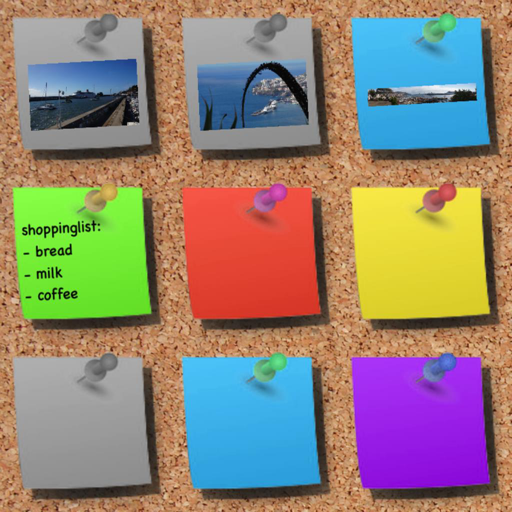
Create and organize with customizable colors and drawing tools. Add sticky to a virtual corkboard or capture photos as memos. Use various pens and an eraser for editing. Share directly or save them for later.