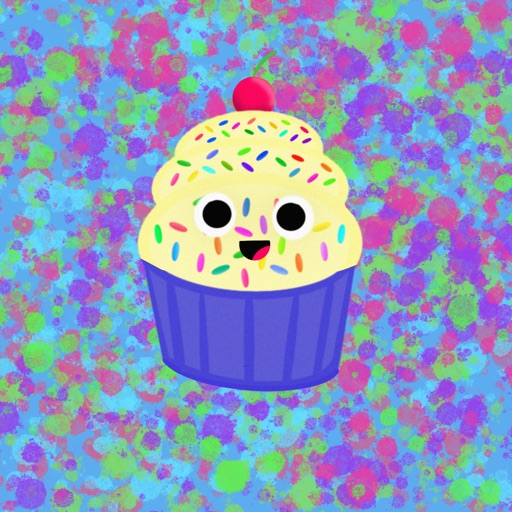
Send and receive animated stickers in iMessage. Choose from 24 unique high-quality animated stickers. Add expressive reactions to conversations. Share stickers directly within messages.
by Luu Thi Tuyet Minh★ 4.02 ratingsStickersFreeData updated 2026-09-19
Send animated stickers of pastries and to iMessage. Choose from various food-themed animations. Add stickers to messages to express emotions or add humor. Share with friends and family in real-time.
Send animated stickers for conversations. Choose from romantic emojis and unique designs. Add stickers to messages instantly. Share affection with visual expressions. Customize sticker sets for different occasions.
Send stickers in to express and share Bible verses. Include original artwork and inspirational messages. Add stickers to conversations and customize messages with scripture quotes.
Use animated stickers to enhance iMessage conversations. Access 52 capybaras with animated expressions. Send stickers directly within chats. Choose from various animations. Add playful emojis to messages.
Add to iMessage conversations with pinch-to-resize functionality. Choose from -themed to overlay on messages, images, or other . Share emotions and ideas through humorous visual effects.
Stream live music and local DJ sets. Listen to curated playlists and on-air shows. Access real-time updates on events and contests. Share favorite songs and shows with social media.
Use animated stickers to add fun to messages. Choose from crystal red bee packs. Customize sticker size and position. Share stickers across social media platforms.
Send holiday-themed stickers featuring festive characters like Elf Ball, Candy Cane Pin, and Snowman Ball. Include bowling pins in holiday costumes. Add stickers to messages. Share custom combinations of emojis and stickers.
Send and customize stickers featuring characters from The Party 5. Choose from emojis and animated stickers. Share stickers in iMessage conversations. Initiate group by sending themed stickers.
Use animated eel stickers featuring four varieties. Add stickers to messages with tap-to-send functionality. Customize sticker size and position. Share stickers via social media or messaging apps.
Send animated stickers featuring characters during iMessage conversations. Choose from 24 different animated sticker options. Share stickers with contacts via iMessage.
Add -themed stickers to messages by dragging the oval icon to the front of the Messages bar or adding via the More menu. Include 36 stickers for expressing affection.
Use stickers to add humor and personality to messages. Include animated and static emojis. Customize sticker packs and access them through iMessage. Share stickers with contacts and update collections through provided links.
Send stickers directly to messages by holding a sticker in the drawer until it appears. Choose from a variety of expressive characters and themes. Add new sticker packs in the future for expanded communication options.
Create and share animated stickers for text-based communication. Choose from classic greetings and expressive phrases. Layer stickers to customize messages. Add text overlays and adjust sticker positions.
Send -drawn stickers to friends with expressive gestures. Customize with animations and special via in- purchase. Share feedback for new sticker ideas.
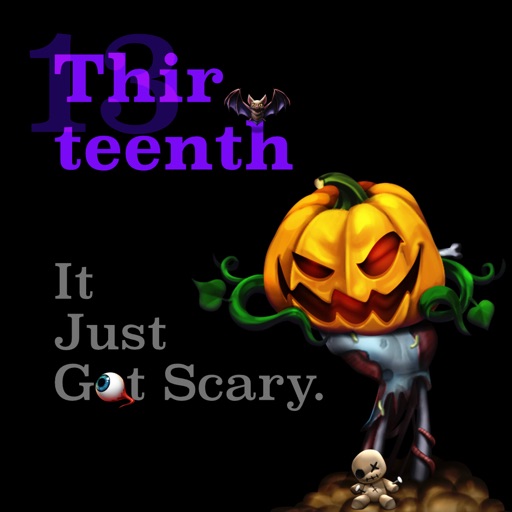
Create and share messages with animated stickers. Choose from a collection of scary-themed stickers to add visual effects. Customize stories with multiple sticker options and send through messaging apps.