Apps Like Slow Motion Video Editor ® for iPhone and iPad
Record videos
Create videos by importing footage and selecting specific moments to down. Adjust speed by moving points up or down. Apply different effects and export videos in various formats.
by Huynh Thuy★ 4.4225 ratingsPhoto & VideoFreeData updated 2026-09-18
Capture recordings of games or apps with smooth, stable performance. Use simple controls for quick captures. Choose Ultra HD or adjust resolution, bitrate, and FPS for custom quality. Rename files and manage storage through the History feature.
Convert static photos into animated videos using AI. Apply motion , customize storytelling elements, and adjust animation styles. Export videos in various formats and share directly. Requires subscription for full features.
Create and share short videos as animated GIFs or MP4. Capture frames with the or import photos, videos, or Live Photos. Apply real-time color filters, add text or frames, and choose stop motion or video mode.
The app allows for real-time video instruction and analysis. Users can capture video, review it in slow-motion, and mark up clips with notes and drawings.
Record videos and photos with professional tools including focus peaking, false color, and histogram. Support PRORAW and RAW/DNG export. Adjust audio metering, custom resolutions, and frame rates. Use eight modes including slow motion.
The app removes camera shake from videos, making them smoother and more pleasant to watch. It compensates for horizontal, vertical, and rotational motion, and allows users to optimize stabilization with profiles and adjustable strength.
The app allows users to adjust video speed, creating slow motion or fast motion clips. Users can select specific video regions for speed changes and add background music.
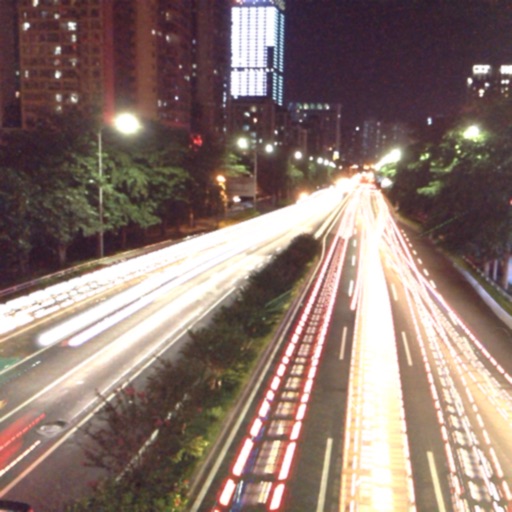
The app captures photos using slow shutter speed effects to create light trails and streams. Users can control exposure time and focus for motion blur photography.
Add motion effects and background to in four steps. Select a and song, apply effects, merge with , and share via Facebook, Instagram, email, or save to camera roll. Use advanced features like slow motion.
RAY INFORMATICS YAZILIM TEKNOLOJI MEDYA DANISMANLIK VE EGITIM TICARET LIMITED SIRKETI
Elements for cinematic effect
Create cinematic effects by blurring background elements while keeping subjects in focus. Use AI-powered segmentation to isolate people and objects. Adjust intensity and apply motion for dynamic scenes.