Displays a 24-hour analog with a sweeping second hand. It shows GPS coordinates, heading, and compass bearing based on device orientation. It uses location data in the foreground without saving or transmitting personal information.
by JOHN W GRANHOLM★ 4.435 ratingsEntertainment$0.99Data updated 2026-10-19
The app provides New Zealand topographical maps with detailed placenames and conservation area borders. Coordinates can be displayed in various formats, and users can navigate to waypoints with a head-up display.
The app provides a game clock for chess, checkers, and other games. It supports Fischer delay, Bronstein delay, simple delay, sudden death, word, and hour glass time controls.
Displays a finger cursor indicating the direction to the destination. Users can view routes on street maps, satellite views, or hybrid maps. Maps can be oriented with North at the top or rotated to match the user's current direction.
The app sends the user's location to a specified server and script. It supports background updating and detects significant location changes when closed or in the background.
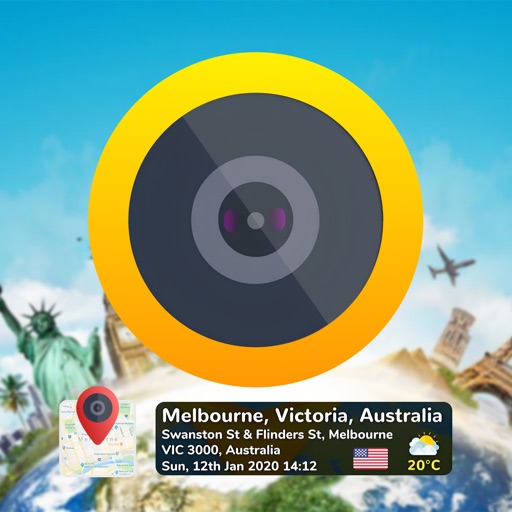
Add time stamps, GPS coordinates, and exact addresses to photos and videos instantly. Enable grid, aspect ratio, switch, flash, focus, and timer settings. Store user locations automatically and reverse-geotag addresses.
Find attractions, restaurants, and shows within DisneySea. Use GPS and compass for directions. Search for real-time details online. Chat with other users. Store a preferred parking location.
The app adds the user's GPS location to Contacts cards and opens selected navigation apps directly from the address book. It allows users to save GPS coordinates in Contacts and sync via iCloud.
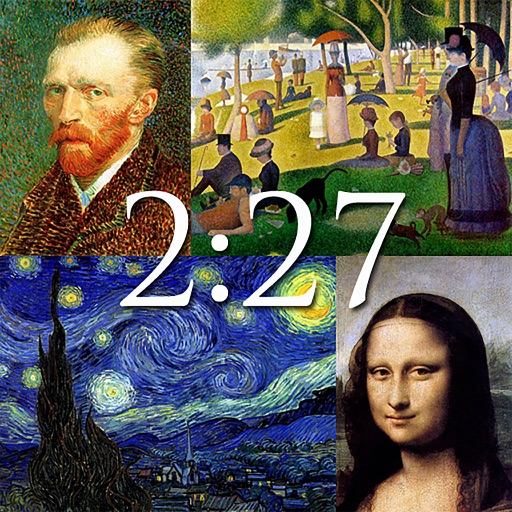
The app displays notable works of art from artists like Van Gogh, Monet, and Da Vinci. It functions as a clock with customizable backgrounds and a slideshow option, or users can save images as wallpapers.
Provides accurate direction based on location. Use device camera to view direction in surroundings. Rotate device to calibrate . Access direction from Apple Watch. Select multiple color themes for interface.
The app records user finds, capturing GPS coordinates for precise location noting. Users can add photos, custom categories, and tags to their finds, with options to edit and export data.
Locate yourself on OS maps using GPS and compass. View current grid reference and heading. Convert coordinates with OSTN02 for accuracy. Track easting, northing, and tetra. Includes Apple Watch and complication.