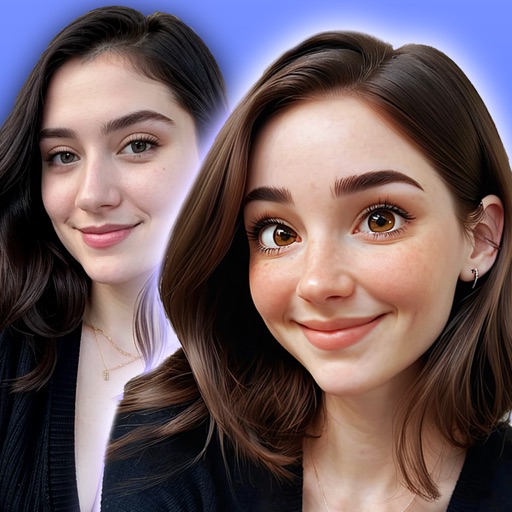
Choose from multiple creative to enhance photos. Select images from gallery or capture new photos. Apply effects for realistic results. Share via Facebook, Instagram, WhatsApp, and other social media. Save high-resolution images.
Create square images for by blurring the , repeating the original image, or filling with a chosen color. Adjust borders to fit entire photos without cropping. Apply effects directly within the .
Access and edit royalty-free images and vectors. Add text, stickers, and effects to images. Share edited content on social platforms. Edit for personal or commercial use without copyright restrictions.
Create collages by arranging multiple photos into a single square layout. Adjust brightness, contrast, and white balance. Crop, rotate, and apply filters.
Edit photos with frames, stickers, and creative collages. Apply effects like glass, hand, and board. Adjust brightness, contrast, and saturation. Share edited photos directly.
Record 360-degree videos using a hands-outstretched technique to create -Panos. View panoramas in 3D with a stereoscope or by crossing eyes. Convert standard panorama photos into 2D content.
Create collages by combining up to 20 photos. Choose from 100+ layout options. Edit images with filters, stickers, text, and doodles. Adjust ratios and background styles. Save and share the final design.
Convert photos into or anime-style images with AI-powered tools. Apply comic filters, adjust colors, and add artistic effects. and share transformed images directly.