Create and edit progressions with inversions, sus2, sus4, 7th, and 9th chords. Play chords as piano or synth or send MIDI to macOS. Use phone as MIDI keyboard for macOS. Practice reading musical notation.
Create chord progressions using a . Explore over 40 scales with visual representation. View chords within selected scales and compare or borrow chords between scales. Adjust key settings and generate scale-based chord sequences.
Plugin for AUM. Supports 16 tracks with unlimited length and 16 output ports. Import and manage clips via Media Bay. Drag and drop clips to build songs. Direct output to multiple channels.
Create and edit music with virtual instruments and audio effects. Record and arrange compositions. Export tracks in various formats. Share finished songs directly. Import audio files for integration.
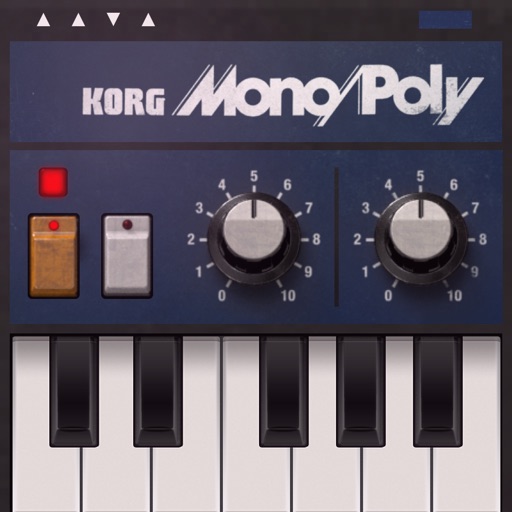
Create and manipulate sound using FM synthesis and waveshaping techniques. Adjust oscillator parameters, filter settings, and envelope shapes. Save and load presets. Integrate with Logic Pro, GarageBand, and other AUv3 compatible hosts.
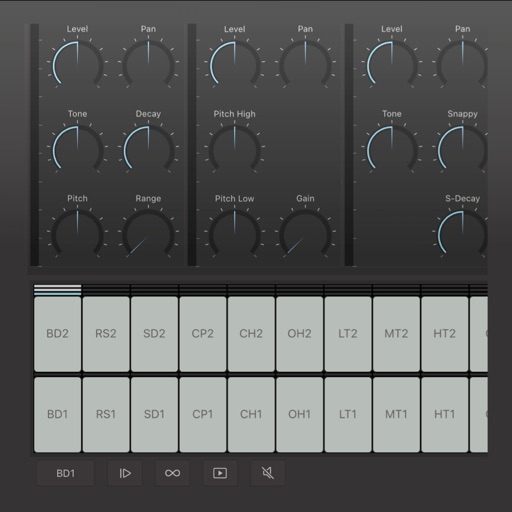
Create and edit drum patterns using 27 drum voices. Apply effects like delay, chorus, and reverb. Automate parameters and sequence 16-bar patterns. Save and load project files for later editing.
Create and manipulate effects using a step sequencer interface. Adjust tape simulation settings including compression, saturation, hiss, head bias, and wow/flutter. Export audio files and apply effects during recording or playback.
Create and edit music with a multi-track sequencer. Record and adjust patterns in real-time with quantization and undo options. Use an integrated drum sampler with individual effects and XY pads. Load external AUv3 instruments and effects.
Create and sequence sound patterns using 14 effects arranged in a matrix. Adjust parameters for each effect to shape audio. Generate loop collages and save custom presets. Export audio files for playback or further editing.