Use AR to sketch and paint on paper. Select images from the built-in gallery. Position paper on a flat surface for accurate drawing. Draw over projected images with precision. Save and share artwork directly.
Capture or select images from the camera roll. Add , arrows, text, and use the pen tool for annotations. Pixelate sections or include emojis. Add captions and share via Apple Messages, Mail, Twitter, Slack, Snapchat, WhatsApp, Line, and Instagram.
Create professional store screenshots for iOS. once and export all required sizes for iPhone, iPad, and tablets. Include localization, panoramic backgrounds, 3D devices, and rich text with emojis. No account required.
The app allows users to post entire photos on Instagram without cropping. It offers a colorful background option and direct sharing to Instagram, Facebook, and X.
The app allows users to add text captions to photos and share them. Users can select from 78 custom fonts and 41 layer effects, including banners, thought bubbles, frames, and emojis, to enhance their captions.
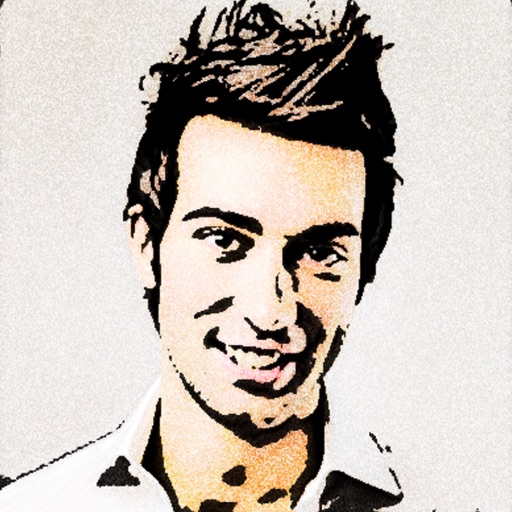
Turn photos into 12 styles with adjustable edge thickness. Add stickers before or after cartoonization. Save and share the edited image. No internet connection required.
Create and share digital art customizable brushes, unlimited colors, and layer support. Zoom, pan, and adjust brush parameters. Rotate, mirror, and undo steps. Participate in challenges like tracing or completing others' drawings.
Create and refine digital art using AI-powered tools. Draw sketches or provide text prompts for AI interpretation. Make edits to existing images with precise control. Adjust colors, shapes, and details for accurate visual results.
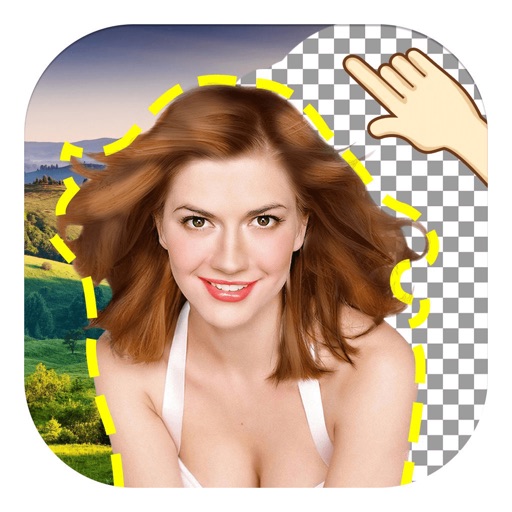
The app allows users to remove and edit backgrounds of pictures. It offers smart and manual cutout tools, with options to move, zoom, rotate, and crop images.
Create designs with a flexible canvas and 45+ device frames. Sketch with Apple Pencil, build wireframes, and develop interactive prototypes. Collaborate in real-time and export designs in multiple formats.
Generate images and videos in various artistic styles, including emotions and art movements. Visualize personal goals through interactive Wish Map features. Create custom comic books with sequential panels.
Create art using augmented reality tools and follow step-by-step artist-led tutorials. Access daily for various mediums like acrylic, pencil, and watercolor.
Create custom by drawing letters with finger or Apple Pencil. Add personal style to each character. Export letters as SVG files in a .zip file. Suitable for crafters, DIY enthusiasts, and artists.
Backgrounds from photos with precision, save images with transparent backgrounds, or replace them with custom ones. Edit photos by adding filters, drawing, inserting text, and applying stickers to create professional images and social media content.