
Apps Like Photo Markup - Draw & Annotate for iPhone and iPad
Photo Markup - Draw & Annotate screenshots
Ranked alternatives
Showing 221–240 of 1,000 ranked alternatives.

BeadsDesign
HIDEHIKO NAGANO
Create pixel art for beads easily.
The app allows users to create pixel art for iron-on beads and bead stitching. It supports importing and scanning photos into a pixel art canvas with adjustable sizes and various bead shapes.
Paint over photos
Alejandro Melero Zaballos
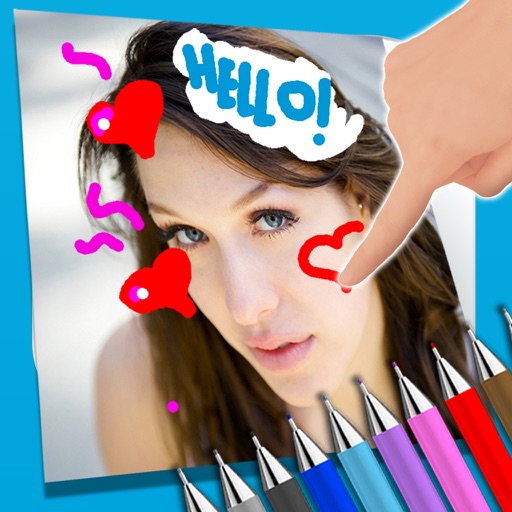
Draw and write on photos.
The app allows users to write notes and draw on images using a photo and text editor. Users can select from three pencil types and various colors, change backgrounds, and add captions to photos.

Paint Pro
勇 陈
Draw sketch and edit images easily.
The app offers drawing and image editing tools for Mac. It supports a flexible layer system for organized and editable work.
Artech - Photo & Video Effects
涛 吴
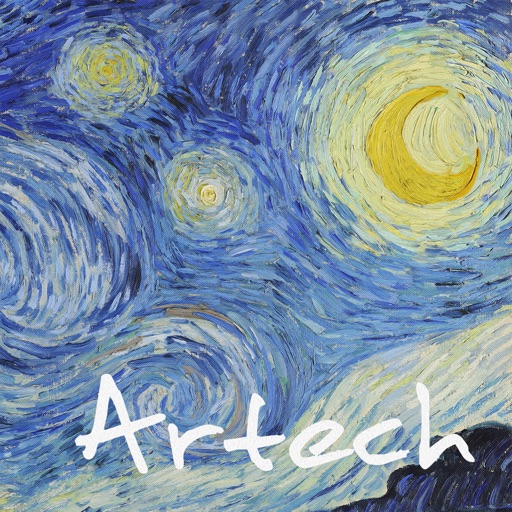
Turn photos into art with patterns
Transform images into artwork using famous art styles like The Starry Night and The Great Wave off Kanagawa. Apply AI-generated patterns with neural networks. Edit and share the resulting artwork directly.

Apowersoft Screenshot
Apowersoft Limited
Capture, edit, and share screen images.
The app captures screen content as images, supporting multiple output formats. It includes an editor for annotations and allows uploading screenshots to cloud space for sharing.
Doodle notes and write ideas
Maria Gascon
Write ideas and organize lists easily.
The app provides a simple notepad for users to write ideas, create lists, and organize them. Users can take notes, sketch, or draw, and access their work anytime.

Amadine: Vector Design and Art
Belight Software, ltd
Create art and illustrations
Create illustrations, logos, and UI designs with precise drawing tools. Import and edit graphics. Organize projects in workspaces. Export in multiple formats. Collaborate in real-time with others. Adjust colors, shapes, and layers.


Replicator Tool - Clone Stamp
GENOVA Softworks
Copy and paste image parts anywhere
Parts of images by drawing selection areas. Paste copied elements to any location. Remove objects, people, or text. Censor content by replacing it with surrounding pixels. Fill image gaps by copying and pasting nearby areas.

Report and Run
BlixtBit PTY LTD
Create PDF reports with annotated photos
Create custom PDF reports with photos, text, and graphical annotations. Add logo, contact details, and company information. Capture or import photos from camera or gallery. Include textual descriptions and draw arrows or circles with gestures.
Handstract
Daniel Eke
Draw with fingers to create geometric art
Draw dots by pressing one finger, adjusting size based on press duration. Create lines and shapes with multiple fingers. Manipulate polygons by moving vertices. Export drawings in various formats. Share creations directly.
Draw with Stars ! Play With Shooting Stars
Pierre Abel
Animated and create art
Animated that spin and move as you create. Customize star colors and sizes. Save and share artwork. Explore different star patterns and backgrounds.

Doodle Draw Pad, Painting Pad
An Banh
With simple colors and a whiteboard
A whiteboard interface allows users to with basic colors. Users can clear the board, switch colors, and save drawings. The focuses on simplicity and direct drawing without additional features.
How we rank alternatives
Apps are ranked by functional similarity, category fit, rating confidence, and popularity.