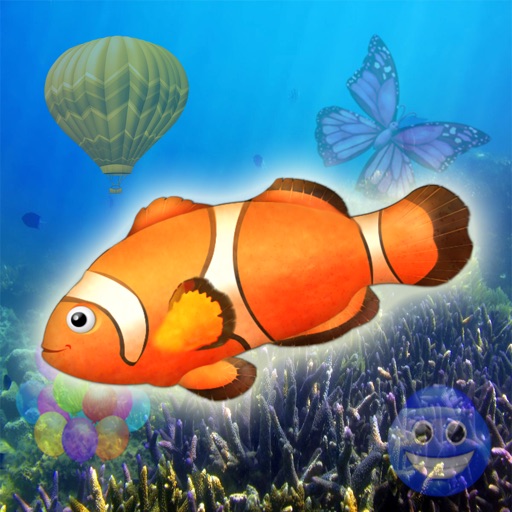
Interactive educational for young children featuring colorful animations of balloons, fish, and butterflies. Tap to learn colors and watch characters move. Includes calming sounds and a safe, child-friendly interface.
Create diagrams and flowcharts using shapes like rectangles, circles, and arrows. Draw freehand or use geometric figures. Collaborate in real-time on an infinite canvas. Export diagrams in multiple formats.
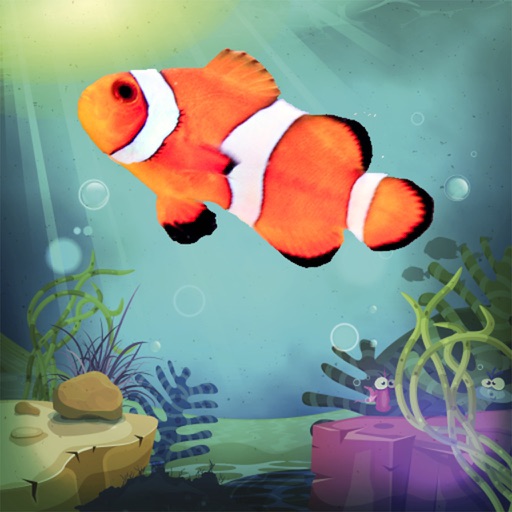
This app offers an educational and entertaining game for toddlers and kids. It includes an aquarium mode to play with bubbles and a coloring book mode with various fish drawings.
Provides tempo control with adjustable beats per minute. Users can set and save custom tempos. One-button access to preset tempos for quick practice. Features a compact interface for focused practice.
Allows children to color and draw using a variety of templates and tools. Features include adjustable brush sizes, color palettes, and undo functions. Users can save and share artwork.
Create and annotate diagrams with drawing tools. Add text and shapes. Share boards via links or email. Collaborate in real-time with others. Export as images or PDFs. Customize colors and line thickness. Save and organize boards in folders.
Create and customize pages with a variety of color options. Select and fill areas of images to complete scenes. Save and share finished artwork. Includes educational elements to teach color recognition and foster creativity.
VectorPaint allows users to create illustrations with paths, compound paths, text, images, groups, masks, and gradient fills. It supports unlimited layers and exports to SVG or PDF via . Users can select, scale, and manipulate objects efficiently.
The app features interactive stories with pop-up videos of children signing. Users can read stories themselves or have them read aloud, learning signs along the way.