The app provides extended keys for the English keyboard on an iPhone. It includes arrow keys for caret movement and dedicated keys for typing extended characters and quotation marks.
The app provides extended keys for the Portuguese keyboard on iPhone and iPod. It includes arrow keys for caret movement and dedicated keys for typing extended characters and quotation marks.
Access NEC code sections for electrical installations. Search by topic or keyword. View diagrams and tables. Save and annotate code excerpts. Share references via email or messaging.
Learn techniques with detailed explanations of operations like layer masks, painting, and . Explore MG animation, color correction, and keying. Access additional content for advanced skills.
View rankings and features across different regions. Search and bookmark your own apps. Favorite frequently used regions. Create home screen widgets to regions quickly.
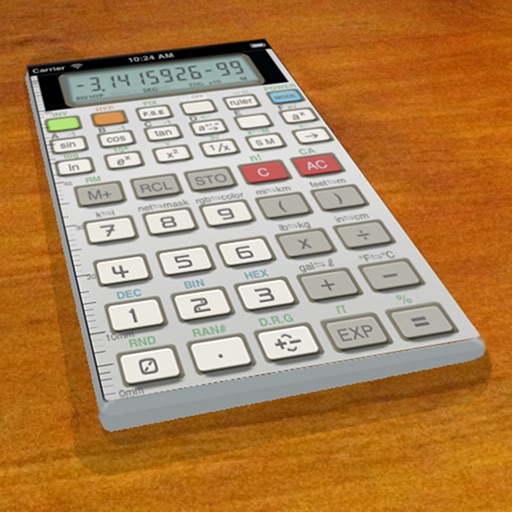
A vintage-style scientific calculator with a retro LCD display and realistic key sounds. Perform basic and advanced calculations, use shift functions, and access additional modern features like parentheses and memory storage.
Convert numbers to text in multiple languages. Extract numbers from pasted text automatically. Convert numbers to words instantly. Supports various formats and language options.
The app offers Anjal and Tamil99 keyboards for Tamil text input. It also includes Solvan, a Tamil text-to-speech system, and suggests emojis for frequent communication.
Organize and manage photos with customizable folders and tags. Search by keywords or dates. Export selected images to cloud storage or local devices. Supports multiple languages including English, German, French, and others.
Create viral videos using AI. Input text to generate narrative videos with automatic scene and character creation. Upload images to transform them into motion videos with support for real-person, anime, and pet content.
Create notes and drawings on a clean, minimal canvas. Annotate images or documents. Save or share content directly. Use a simple, intuitive interface for quick access. Perform basic drawing and text input without distractions.