
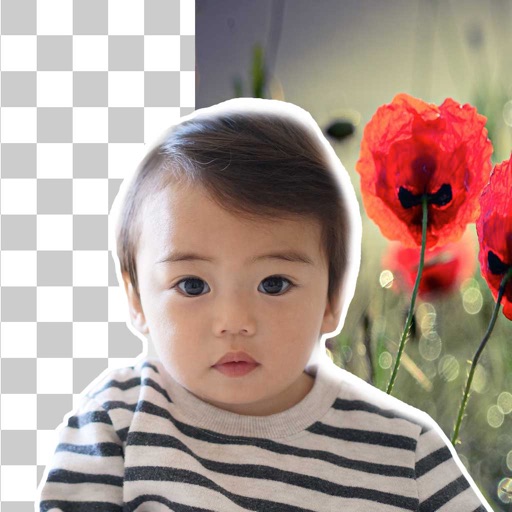
Apps Like Background Remover & Changer for iPhone and iPad
Remove and replace with new ones
Remove backgrounds from photos using brush tools with adjustable size and hardness. Erase selected areas with undo and redo options. Add text with customizable font and formatting. Place edited photos on various templates.
Background Remover & Changer screenshots
Ranked alternatives
Showing 861–880 of 1,000 ranked alternatives.

PhotoScape X - Photo Editor
Mooii Tech
Edit photos, create collages, and make GIFs
Edit photos with rotation, straightening, resizing, cropping, and border tools. Adjust color, temperature, tint, and apply film effects, light leaks, and lens flares. Add overlays, textures, and dirt effects.
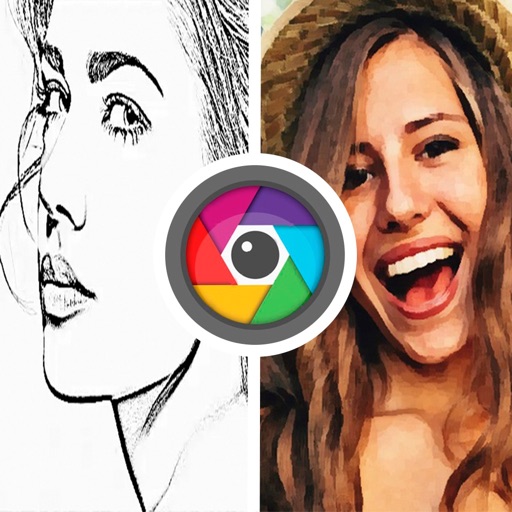





FotoApp - Foto Notes, Photo Editor & Collage
Dickson Kwok
Edit photos and create collages
Edit photos with cropping, rotation, filters, adjustments, text, focus, stickers, magic, splash, and drawing tools. Create collages with borders, backgrounds, text, stickers, and frames. Export and share edited images directly.


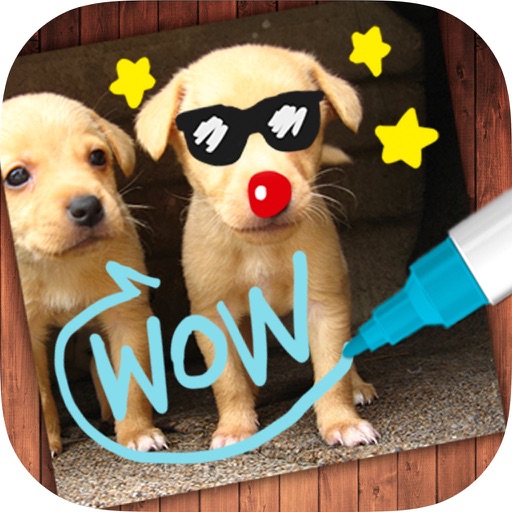
Draw on Photos – Add Stickers
Maria Gascon
Create striking images in minutes.
The app allows users to create images by writing notes, drawing, and adding captions. Users can select photos from their gallery or take new ones to add various drawing tools and colors.


How we rank alternatives
Apps are ranked by functional similarity, category fit, rating confidence, and popularity.