
Apps Like Background Remover & Changer for iPhone and iPad
Remove and replace with new ones
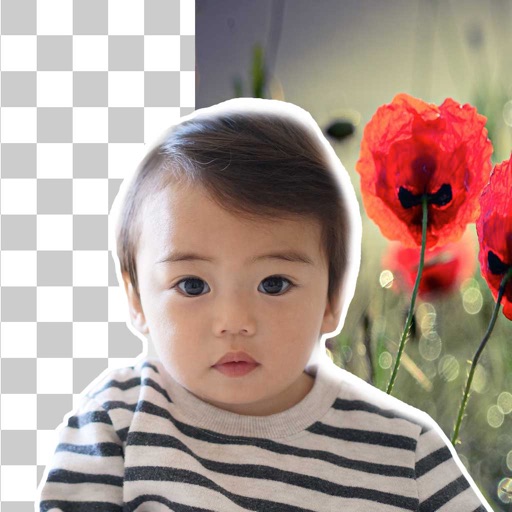
Remove backgrounds from photos using brush tools with adjustable size and hardness. Erase selected areas with undo and redo options. Add text with customizable font and formatting. Place edited photos on various templates.
Background Remover & Changer screenshots
Ranked alternatives
Showing 601–620 of 1,000 ranked alternatives.

Remove Object AI Retouch Photo
Appcyber Limited
Objects, crop, and save images
Objects, people, or blemishes from photos. Edit backgrounds and save as PNG or JPG. Crop images, add text, filters, logos, or watermarks. Use one-click background removal and clipping tools.

PIP Pro (Photo in Photo)
Triple Earth Pty Ltd
Change backgrounds of user pictures instantly.
The app allows users to change picture backgrounds for photo makeovers. Users can add text with adjustable font, color, and transparency, and choose from over 65 backgrounds.


Selene: AI Photo Editor
Foixa Yazilim Ithalat Ihracat Anonim Sirketi
Edit photos, add objects, transform images
Edit photos with AI-powered enhancements and transformations. Add or replace objects using text prompts. Use AI Brush to paint areas and describe changes for realistic edits. Convert photos into digital art with detailed text inputs.

PhotoPatch Lite
Marco Ristuccia
Edit and overlap two images easily.
The app allows users to edit and overlap two images with transparency and blending effects. Users can select parts of images to keep or erase, and apply filter effects and tune image settings.





No Crop for Insta Story
Mahendrasinh Gohil
Post photos in full size with vibrant
Post images without cropping for Instagram Stories. Choose from vibrant background colors, adjustable blur, and various patterns. Adjust background opacity and fit photos in any orientation. Share directly to Stories without edits.




How we rank alternatives
Apps are ranked by functional similarity, category fit, rating confidence, and popularity.