Apps Like Background Remover & Changer for iPhone and iPad
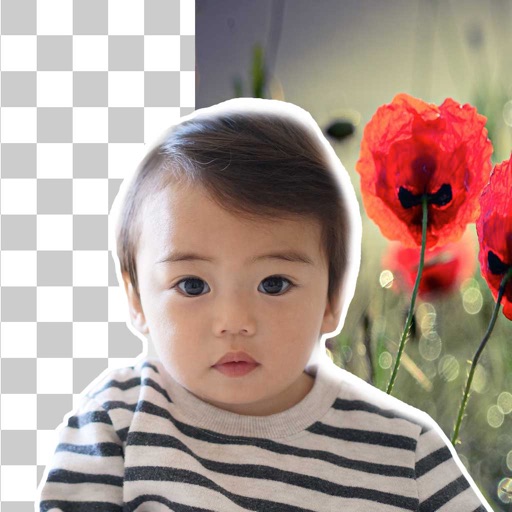
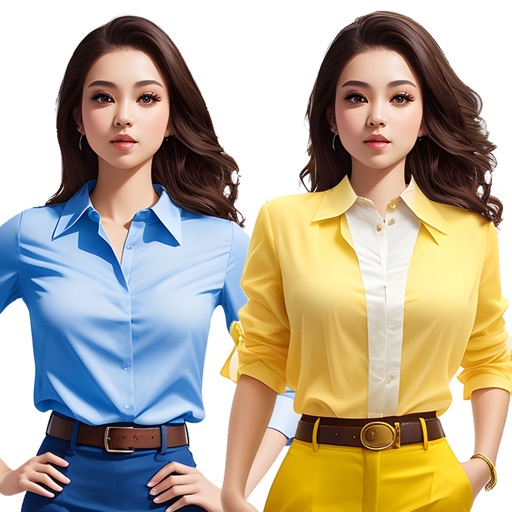
Remove and replace with new ones
Remove backgrounds from photos using brush tools with adjustable size and hardness. Erase selected areas with undo and redo options. Add text with customizable font and formatting. Place edited photos on various templates.
by Rachida Benhassi★ 5.01 ratingsPhoto & VideoFreeData updated 2026-09-18
Edit photos with unblur, object removal, and background cleanup tools. Apply AI filters, artistic styles, and motion effects. Create photo animations with one tap. Export and share edited images directly.
Create by painting individual pixels. Adjust canvas size, select colors, and customize border settings. Erase, undo, and resize drawings. Save artwork to gallery and storage. Share completed pieces others.
Edit photos with filters, cropping, and text tools. Access 4K wallpapers featuring motivational quotes, Paisley designs, and Christmas themes. Apply glitch and amoled styles. Save and share edited images or wallpapers directly.
Remove unwanted , people, text, or distractions from photos. Use AI to automatically elements with a tap. Edit images by selecting areas to delete and refine the result. Save and share the cleaned-up photo directly.
Edit photos by adding layers, backgrounds, patterns, colors, shapes, stickers, and text. Cut out people and modify backgrounds with one touch. Erase layer contents using an eraser brush. Create collages and artistic compositions.
Create holiday collages with customizable layouts, -themed grids, and backgrounds featuring Santa, gifts, and snowmen. Add text messages, select photos, and design e-cards with festive frames and decorations. Export and share finished collages.
Select photos from gallery or photo library. Choose from numerous PIP frames. Use single image for both foreground and background or different images for each. Edit foreground and background separately. Apply photo filters.
Unwanted objects, , or text from photos using AI. Select areas to and fill in naturally. Preserve details and textures for clean, polished images. Share or sell edited photos directly.
Add vibrant color to specific image areas using the Color Splash Effect. Adjust intensity and placement. Export edited in various formats. Share directly from the .
Edit photos to change using 40+ pre-defined shades. Draw and erase unwanted areas. Save edited images. Apply visual effects without makeup. Adjust and preview changes instantly.
Edit photos by removing objects with a magic eraser and auto-cutout tools. Adjust colors, apply filters, and enhance details. Save and share edited images directly.