Apps Like Background Remover & Changer for iPhone and iPad
Remove and replace with new ones
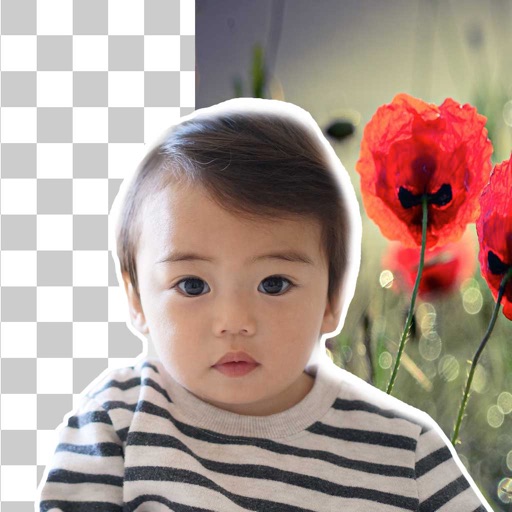
Remove backgrounds from photos using brush tools with adjustable size and hardness. Erase selected areas with undo and redo options. Add text with customizable font and formatting. Place edited photos on various templates.
by Rachida Benhassi★ 5.01 ratingsPhoto & VideoFreeData updated 2026-09-18
Photo allows users to edit images by removing backgrounds. Users can select and isolate subjects. The supports offline processing. No online tracking is involved. Export edited images in various formats.
Edit photos by selecting and removing unwanted elements such as people, objects, trash, pimples, lines, or other unwanted content. Retouch images to improve appearance. Save and share edited photos.
Edit with filters, stickers, and emojis. Create photomontages with built-in effects. Apply artistic tools for detailed edits. Add with customizable fonts and colors. Export and share edited images directly.
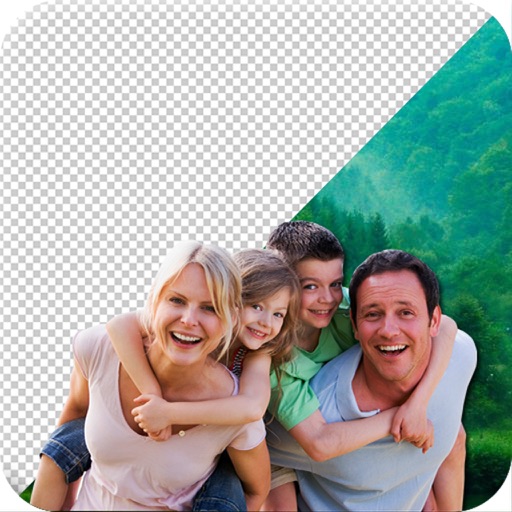
The app allows users to edit photos by changing the background of selected images. Users can erase the existing background and replace it with a new one, including stylish color effects and text.
Merge photos into artistic compositions by selectively editing and combining image elements. Remove or re-add parts using finger painting techniques. Adjust brush settings for precise control.
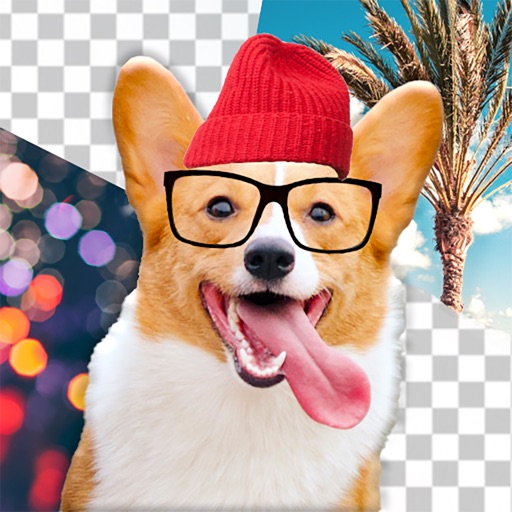
Edit dog photos with background changer, stickers, and wallpapers. Add text and voiceovers. Share edited images. Create custom puppy templates. Upload and modify dog photos for personal use.
Remove backgrounds from photos using AI to detect and isolate objects. Change backgrounds with gradient options or custom colors. Save edited images to the photo library and share them on social media.
Remove backgrounds from photos with AI-powered detection. Select transparent, white, or custom backgrounds. Edit images by removing people, faces, products, animals, text, and objects. Export edited images in various formats.
Edit photos with one-tap AI magic for enhanced details and clarity. Remove duplicates and clutter using smart cleanup tools. Organize and manage media with a virtual cat companion that tracks progress.
Turn photos into videos by selecting an image and removing the background. Choose from several backgrounds and apply pop effects, drop shadow, or outline. Add background music and share the final result.
Edit photos with AI-powered enhancement, restoration, and colorization. Remove unwanted backgrounds and repair scratched images. Save and share edited photos in various formats.
Edit images to remove or replace backgrounds using magic , auto cutout, and precision tools. Isolate objects, add new backdrops, and adjust shadows. Export edited photos for social media and online platforms.
Remove backgrounds from photos using AI-powered tools. Automatically cut out subjects with one tap. Adjust edges and refine details manually. Export edited images in various formats. Share directly or save to device storage.
Remove backgrounds from photos using deep neural networks. Cut out people or objects and paste them into new images. Swap backgrounds and save edited images in various formats.
Remove backgrounds from photos and save as PNG or JPG formats. Edit images directly from the camera or gallery. Export transparencies for use in presentations, blogs, or stickers. No internet required.
Edit photos with AI-powered background removal and replacement. Generate realistic images from text. Use advanced tools like layers, masking, and cloning for detailed edits. Export and share edited photos directly.