Zoom in and out with a single finger. Adjust brightness or dim the screen using the same gesture. Freeze the image with a simple touch. Navigate without tapping small icons by using intuitive onscreen gestures.
by Alan Thomson★ 4.25 ratingsPhoto & VideoFreeData updated 2026-09-18
Access multiple engines globally to find comprehensive results from various sources. Navigate easily with a user-friendly interface and use dark mode for nighttime viewing. Perform multi-engine searches to save time and boost productivity.
Photos by tapping to automatically backgrounds or specific objects using AI. Select images from the library or camera. Adjust intensity and apply effects to hide unwanted details. Export edited photos directly.
Remind users to follow the 20-20-20 rule by setting timed intervals. Track eye rest sessions and view progress. Customize reminders and adjust intervals. Sync with smart devices for notifications. Share tips and recommendations.
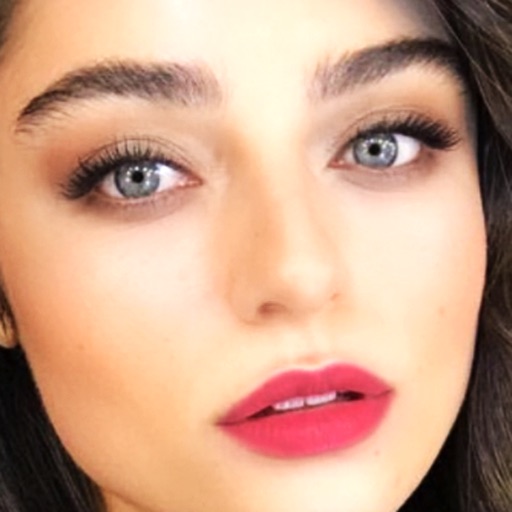
Edit photos with AI-powered lighting correction, exposure adjustment, and shadow detail enhancement. Retouch faces and bodies, experiment with makeup and hairstyles, and create collages or videos. Share edited content directly.
Set alarms using voice commands like "Jarvis set for 7:30 AM." Snooze or turn off alarms with voice instructions. Control the without touching the phone. Choose from built-in or custom backgrounds. Display weather for the current location.
Create custom emojis by selecting from thousands of design assets. Upload photos to generate personalized avatars. Edit and customize emoji appearance. Save and share created emojis across platforms.
Add a contact to the notification center for quick access. Start conversations by selecting a friend directly from the notification panel. Chat without leaving the current screen or navigating through the .
Magnify text and small details with 4K image quality. Lock focus with a single tap for clear viewing. Use the quiet snapshot function to capture and review images without sound. Save snapshots for later reference.
Zoom in with high magnification for detailed viewing. Use for low-light clarity. Freeze motion to stabilize images. Capture macro photos with high-quality resolution. Adjust magnification ratio and brightness settings.
Edit photos with selective effects using gesture controls. Zoom and pan to adjust splash areas. Convert parts of the image to grayscale while keeping selected regions in full . Export edited photos directly.
Create animated pet images with voice outputs. Add props like glasses and stickers to . Record messages for pets to repeat. Share customized pet images with friends.
Select and edit photos from the album or camera. Use the lasso tool to draw a closed path for blurring. Adjust difficult areas with the Touch feature. Apply over 30 effects and fine-tune the selection.
Control the using touch gestures. Pair automatically with nearby devices. Use a trackpad to move the cursor and navigate with virtual buttons. Adjust cursor and scroll speed in settings. Send text from your phone to the .