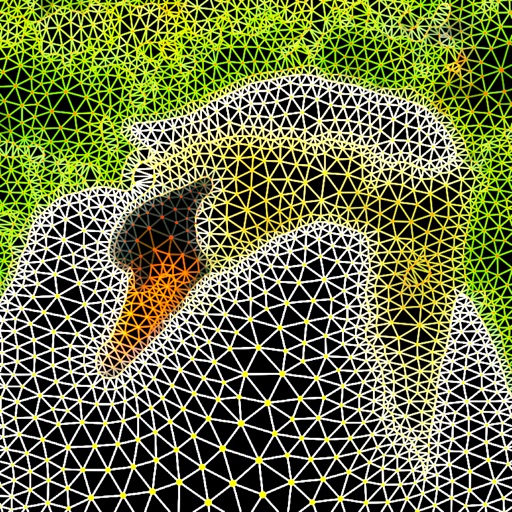
Trace images by importing personal photos or using predefined options. Lock the display to prevent accidental movement. Convert photos to line art for clearer . directly on the converted outline. Export drawings in multiple formats.
Create handwritten notes on iPad or iPhone. Import and annotate PDFs. Draw ink with finger, resize, recolor, and move doodles. Add text with customizable fonts, color, and alignment. Include shapes like arrows, polygons, and diagrams.
Draw and paint using glowing colors. Use photos as backgrounds or create from scratch. Save artwork to camera roll. Share via email, message, Facebook, or Twitter. Access multiple undo levels. Learn color theory through interactive features.
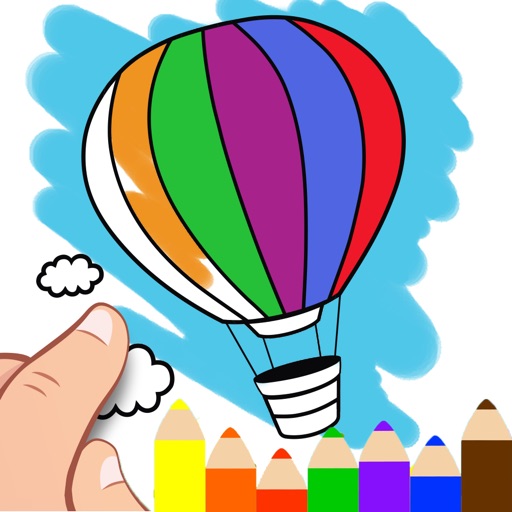
Create and color images using tools and templates. Draw lines and shapes to modify pictures. Save and share completed artwork. Includes pages for coloring and creative activities.
Draw and share chemical structures with interactive tools. Calculate molecular formula, molecular weight, monoisotopic mass, and elemental composition in real time during drawing.
Create custom charts for crafts like cross stitch, bead weaving, knitting, and pixel art. Draw dotted images and design patterns with an intuitive touch interface. Export charts for use in projects.
The app allows users to draw anything using a grid. Users can select any area of an image, choose different grid types, and adjust grid size, color, and thickness.
The app provides a multi-device collaboration tool for capturing and sharing creative ideas. Users can add notes, arrange them on a canvas, assign colors, and draw to organize thoughts and show relationships between concepts.
Allows users to draw grids over images for precise copying, scaling, and tracing. Features include adjustable sizes, reference image overlay, and zoom capabilities. Users can export drawings and share files directly.
Create daily drawings through guided challenges with specific prompts. Receive instant feedback on artwork. Track XP, maintain streaks, and compare rankings on leaderboards. Features a clean interface optimized for artists.
Create and customize 3D using flexible pose libraries. Apply shading presets like toon shader. Adjust shapes, animations, expressions, camera, and lighting controls. Import and export 3D models. Edit and refine appearances with advanced tools.
Create designs using AI-powered generation and customize styles. Try on tattoos virtually on body images. Access a large catalog of designs. Save and track design history. Export high-resolution images for consultation.