

Apps Like Eraser: Remove Objects Removal for iPhone and iPad
Remove from photos
Remove backgrounds from photos to create transparent images. Highlight the subject and replace the with a new image. Adjust transparency and export the edited photo.
Eraser: Remove Objects Removal screenshots
Ranked alternatives
Showing 481–500 of 1,000 ranked alternatives.

Remove BG - Background Eraser.
Shubhamkumar Dobariya
Edit photos and backgrounds
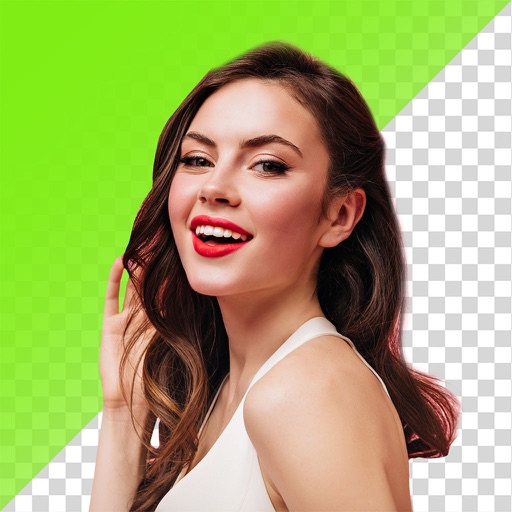
Edit photos by removing backgrounds and erasing objects with AI-powered tools. Adjust edges for sharp subject clarity. Save and share edited images directly. Enhance images for social media, online shops, or creative projects.


DYED Editor
NOTEGG Corp.
Edit photos and suggest background colors
Edit photos by applying recommended background colors and color combinations. Adjust color schemes with two fingers. Blur backgrounds and select from multiple color options. Access photos from the album and make edits directly.


Photo Background Eraser App
Mubasher khan
Remove with AI
Remove backgrounds from photos using AI-powered tools. Automatically cut out subjects with one tap. Adjust edges and refine details manually. Export edited images in various formats. Share directly or save to device storage.


Passport photo maker - AI app
out thinking electronics private limited
Capture and edit photos instantly
Create photos directly on your smartphone. Select or capture an image and adjust it to meet size and format requirements. Use AI to remove backgrounds and ensure proper lighting and alignment. Save and share the final in standard format.

PicCut Magic Background Eraser
Cardinal Blue Software, Inc
Remove backgrounds with one tap
Remove backgrounds from product photos using AI. Retouch images with one tap. Change backgrounds automatically based on product type. Export edited photos for online marketplaces. Adjust colors and brightness for professional results.


Image Filters Photo Editor +
Paul Adam
Blur images with bokeh, disc, and motion
Apply bokeh, disc, Gaussian, morphology gradient, motion, or zoom blur effects to images. Adjust colors and enhance or remove them for improved visuals. Export edited images in various formats.

AI Filters Photo Editor: SLAYY
ANCIENDA TEKNOLOJI YAZILIM VE PAZARLAMA ANONIM SIRKETI
Edit photos, create avatars, generate art
Edit photos with AI-generated portraits, face swaps, and themed scene integration. Design hairstyles, tattoos, and restore old images. Export edited content in various formats and share directly.


Photo Background Blur & Editor
Scott Crawford
Backgrounds, edit photos professionally
Edit photos with and subject focus tools. Adjust intensity manually or automatically. Remove unwanted objects from the . Apply filters and make color adjustments. Save and share edited images directly.

How we rank alternatives
Apps are ranked by functional similarity, category fit, rating confidence, and popularity.