Create and manipulate complex sounds using analog-style oscillators, filters, and wavetable synthesis. Modify signals with a 3-FX-Chain and dynamic signal flow. Adjust sounds using a Morph crossfader for smooth transitions.
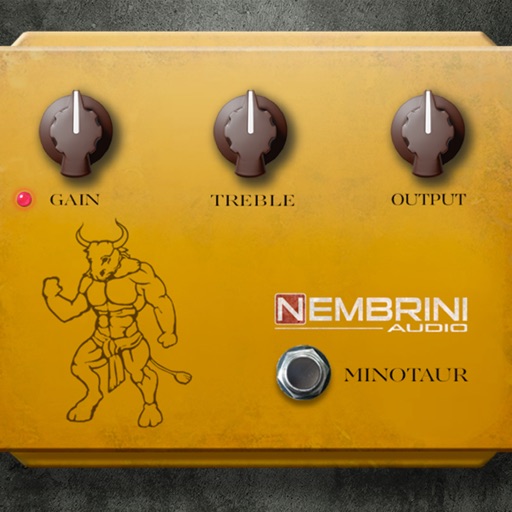
A guitar pedal simulation. Adjust gain, volume, and tone knobs to shape sound. Add clean boost with minimal tonal change. Drive input valve for enhanced signal. Supports pedal-like controls and real-time sound customization.
Control V guitar amplifiers via Lightning cable. Browse, download, edit, and save guitar tones. Manage 70+ amps, 104 effects, 25 speaker cabinets, and 4 microphones. Use up to 8 simultaneous effects.
Create and play music with virtual instruments including pianos, basses, guitars, drums, and synthesizers. Use Chord Pads to build harmonies. Record performances and export audio files. Share creations directly from the .
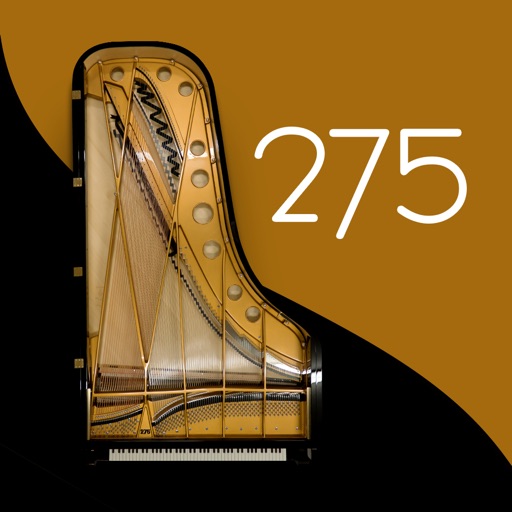
Play using a realistic virtual instrument modeled after the 275 Titanium Grand . Adjust touch sensitivity, select from multiple samples, and customize sound settings. Save and share performances directly.
Record audio and MIDI tracks, mix during playback, and apply effects like reverb and vocal tuning. Add drum tracks, edit songs, and share projects online. Collaborate with others through the Songtree community.
Access guitar lessons with TAB notation, read artist interviews, and explore gear reviews. Track playing techniques, compare amps and effects, and find music reviews. Stay updated with technical advice and guitar music content.
Record and manage audio loops with adjustable length and auto-record features. Control loops via MIDI foot controller or onscreen buttons. Enable count-in and auto-close loops without manual input. Sync with MIDI devices for hands-free performance.
Simulate guitar and bass amplifiers on iOS devices. Connect guitar via digital audio interface. Use IR Loader to load amplifier models. Build custom sound chains with amplifiers, cabinets, stompboxes, and processors.
Create and customize drum kits with samples, presets, and modulation options. Sequence patterns with intuitive editing tools. Import custom samples and use intelligent randomizers for new drum ideas. Export and share drum sequences.
Edit and save custom guitar tones using 32 amps, 16 cabs, and 16 effects. Stream music and play along with songs. Create presets with drag-and-drop editing. Share custom tones and effects.
Configure and manage pedalboard effects via the . Program and save custom presets. Access a library of third-party effects. Share presets with other users. Function as a standalone or multi-effects unit.
Record and MIDI tracks for music production. Edit vocals for pitch and timing. Use virtual instruments and effects. Create drum patterns with custom samples. Mix and automate tracks with unlimited undo/redo.
Record and edit files using multitrack editing. Cut, trim, and split segments. Apply effects and use a professional equalizer. Mix tracks and export in various formats. Share edited files directly.