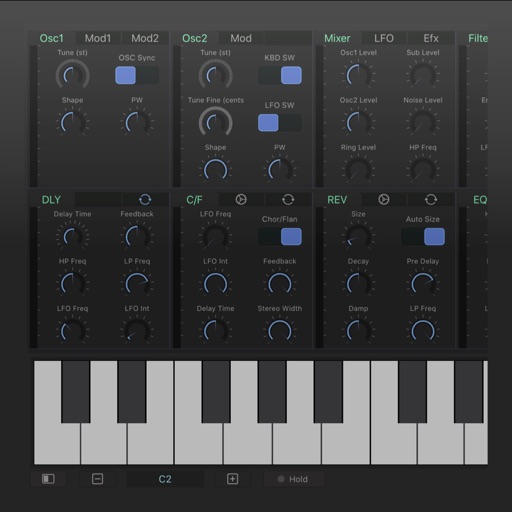
Create and customize music with a virtual . Access over 600 original presets from various artists. Adjust parameters like oscillators, filters, and effects. Export audio files and share directly.
Create and manage drum kits by importing professionally recorded samples. Trigger samples via MIDI or built-in pattern editor. Sync tempo with DAW. Edit and sequence drum patterns. Build and organize custom drum kits.
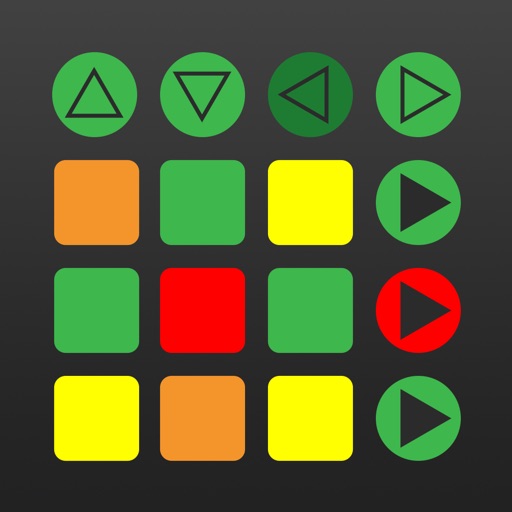
The app provides a MIDI controller for performing tracks on a phone or tablet. It offers 64 buttons on an 8x8 grid, scene launch buttons, navigation, and transport controls.
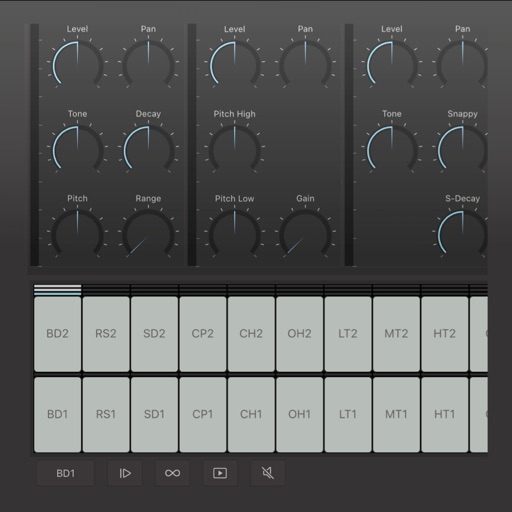
The app emulates vintage 80's hardware drum machines with a realistic interface. Users can play included rhythm presets or create their own patterns, with control over drum kit parameters and song mode.
Create and save unlimited presets with 16 patterns each. Adjust polyphonic and polyrhythmic sequences. Sync presets to iCloud. Use as a standalone or AUv3 MIDI effect. Generate melodic patterns from played notes or chords.
Create music using drum kits, samples, and sound effects. Tap sample blocks to build beats and tracks. Add melodies, snares, cymbals, and kicks. Export and share finished compositions.
Create rhythms and grooves using modulated and sections. Adjust parameters and modulation settings. Use built-in step sequencer and low frequency oscillator for rhythmic sequences. Sync modulation with host tempo.
Create and customize drum loops with adjustable rhythm and measure settings. Add custom sound samples from real instruments. Choose from three preset tracks or build your own percussion kits. Export high-definition audio files.
Create and edit drum patterns using 27 drum voices. Apply effects like delay, chorus, and reverb. Automate parameters and sequence 16-bar patterns. Save and load project files for later editing.