Apps Like Sequin Art Flip Simulator 2019 for iPhone and iPad
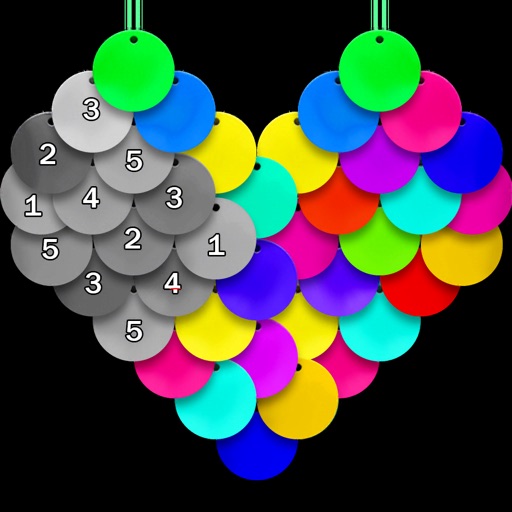
Color pages with shiny beads
Color pictures using disc-shaped beads to create artwork. Select from various coloring pages. Add beads to fill sections and complete images. Save and share finished creations. Adjust bead placement and colors.
by VECTOR LABS LIMITED★ 4.745 ratingsEntertainmentFreeData updated 2026-09-18
Create custom black-and-white line drawings using AI prompts. Draw freely with customizable tools. Access a global community for sharing and feedback. Save and export artwork in various formats.
Match colored threads to fill fabric areas and complete levels. Create patterns and embroidered images by grouping threads. Track progress through increasingly complex designs.
Pages allows users to select from 300+ pages and add stickers or special effects. Mystery paint feature lets users create unique drawings. Save and load progress. Share drawings via preferred platform. Create custom drawings or wallpapers.
Color images using -stitch patterns from categories like animals, flowers, and landscapes. Import personal images or select from gallery patterns. Save and share completed artworks. Track progress and customize stitch details.
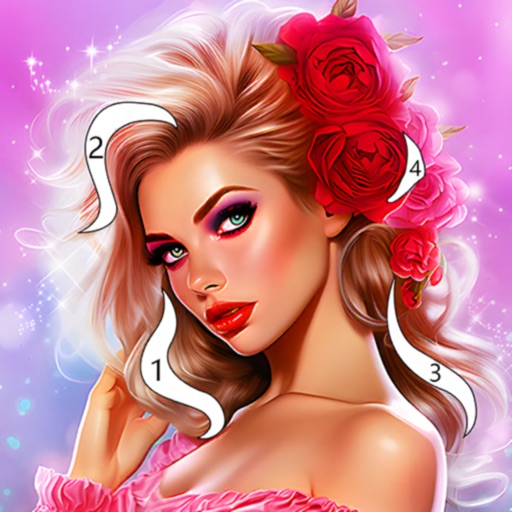
Color within numbered blocks to create -style artwork. Tap to select colors, fill designated areas, and save completed designs to your device. Share creations directly or download for offline use.
Allows users to color pictures by numbers or custom designs. Users can select from various images, choose colors, and fill in sections to create artwork. Completed drawings can be saved or shared.
Color by lets users select from various artistic images and follow numbered instructions to fill in diamonds. Customize shapes and choose from regularly updated, family-friendly designs.
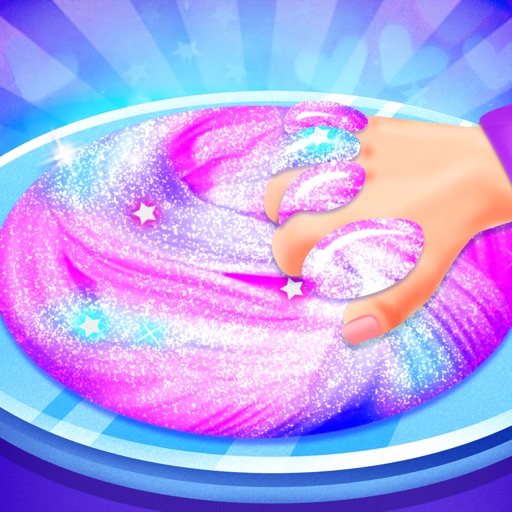
Create and customize slimes with various combinations and DIY recipes. Play in create mode or factory mode to mix, stretch, and store slimes. Add decorations like glitter and beads. Explore different types including clear, fluffy, and unicorn slimes.
Create art by drawing on pages with customizable brushes. Choose from 10 brush types including oil, chalk, and watercolor. Paint detailed images of princesses, animals, dinosaurs, cars, and planes. Save and share finished artwork.
By numbers or free painting. Choose from various coloring pages. Switch between tools and colors. Save and share completed artwork. Sync progress across devices.
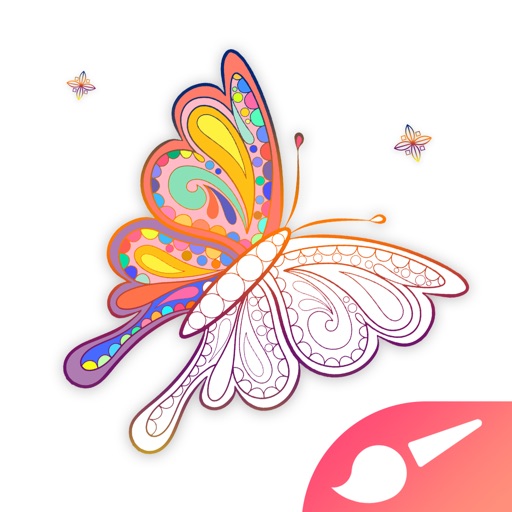
Create artworks using custom palettes and handcrafted illustrations. Select from themed galleries including Mandalas, Animals, Flowers, and more. Choose schemes designed by artists. Save and share completed drawings.
Learn techniques through interactive tutorials. Create custom patterns by selecting colors and stitches. Save and share designs. Track progress and adjust patterns for different fabric sizes.
Create art, share animations, connect with artists
Create and share art animations with an integrated online gallery and . Browse and interact with over 700,000 designs. Categorize and tag artwork with hashtags. Moderate and recommend animations using AI.
To create pictures of animals, vehicles, famous places, and art. Choose from over 500 images. Complete puzzles offline. Save and share completed artwork. Track progress and revisit saved creations.