Apps Like PicMaker - Photo editor* for iPhone and iPad
Edit photos with filters and effects
Edit photos with filters, effects, and backgrounds. Add stickers and choose from various fonts. Crop, resize, and rotate images. Create square photos and adjust ratios. Share edited photos directly.
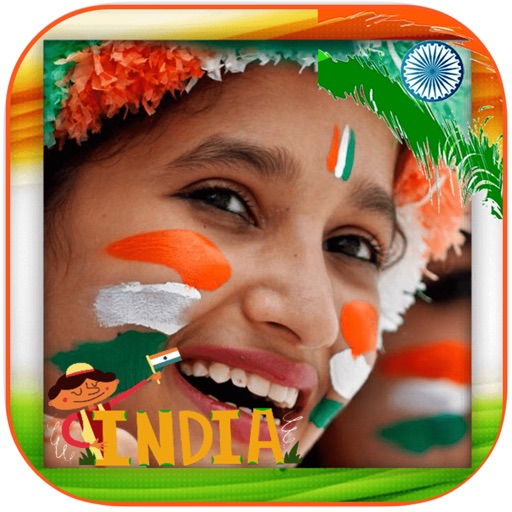
Edit photos with frames and burning effects. Add realistic flame art to images. Select from multiple options. Apply effects to enhance visuals. Save and share edited photos.
Edit photos with color and filter customization for patterns, shapes, and backgrounds. Add celebrity emojis from various categories. Create magazine covers with . Filter emojis by movie, TV, music, history, sports, and more.
Turn photos into videos by selecting an image and removing the background. Choose from several backgrounds and apply pop effects, drop shadow, or outline. Add background music and share the final result.
Edit documents by importing PDFs and images in multiple formats. Crop, rotate, and add watermarks to files. Convert between formats and export edited versions. Manage files directly within the .
Choose from multiple creative to enhance photos. Select images from gallery or capture new photos. Apply effects for realistic results. Share via Facebook, Instagram, WhatsApp, and other social media. Save high-resolution images.
The app provides a photo editor with tools for adding textures, stickers, and frames. Users can enhance photos with filters, adjust brightness and contrast, and add text or captions.
Edit photos into customizable grids with layout options, shapes, and frames. Add text and messages. Apply filters and effects. Stitch multiple images into a single composition. Export and share edited collages.
Take selfies with filters and HD video recording. Edit photos with face enhancement tools and color adjustments. Add stickers and text. Share directly to social media. Record and edit videos with basic trimming options.
Edit photos with 30+ art and cartoon . Apply hipster-style to images. Save and share edited photos directly. Adjust brightness, contrast, and saturation. Export in standard image formats.
Convert photos to black and white, sepia, or mono formats. Apply splashes to specific areas using touch. Adjust effects like hue, saturation, and contrast. Add photo filters for enhanced visuals. Export edited images in various formats.