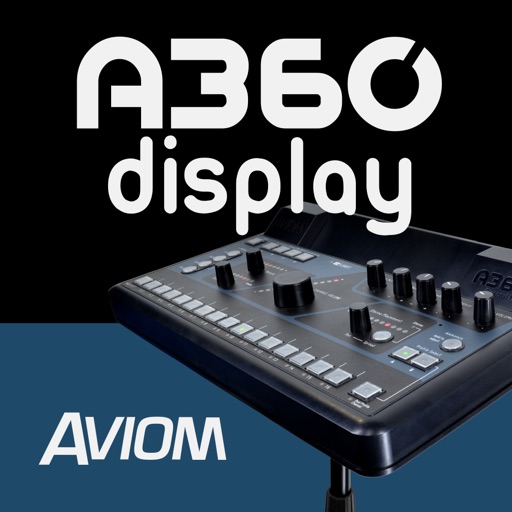
The app expands the Aviom A360 user interface with a graphical view of every channel in the mix. It shows real-time metering, volume levels, stereo placement, tone, reverb, and channel names for each mix channel.
Load audio files from device storage, iCloud Drive, or other file providers. Control playback with auto pause, repeat, and cross fader features. Edit tracks with mounted track editor. Use sample pads with adjustable layouts and play modes.
Control vinyl playback with virtual turntables. Adjust pitch and speed with precision. Connect to a mixer for real-time audio output. Access a library of tracks for playback and mixing. Save and share custom mixes.
Control volume, play and pause songs, adjust tempo, mute or unmute the keyboard, and select preset settings. Sync with the Yamaha Music In Education™ General Music Keyboard Lab for real-time adjustments.
The app merges multiple audio files into one track without losing audio quality. It supports various input audio and video formats, allows for ID3 tag editing, and includes fade in/out options.