Edit and customize photos with gradient effects and positioning tools. Choose from a library of high-definition images or upload your own. Save and set as with one tap.
by Christopher Merron★ 4.129 ratingsUtilitiesFreeData updated 2026-09-18
Capture photos and videos without visible interface elements. Take high-quality images or record videos with a single tap. Select from premium background options for discreet documentation or security use.
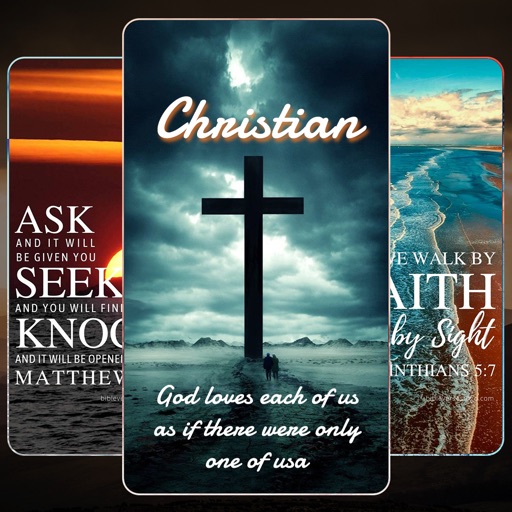
Set device home screen backgrounds with HD and 4K . Choose from classic, inspirational, modern, and cool designs. Browse categories and collections for diverse options. Apply directly to the home screen.
Customize iPhone with a wide selection of . Add fun emoji stickers and create unique layouts. Change font styles for messages and personalize typing experience.
Video allow editing with watermarks and doodles, exporting and deleting background music, and converting videos to livephotos. Image generate word cloud, polygon, and block-style wallpapers from keywords or images.
Allows users to browse and download high-quality wallpapers for smartphones and tablets. Users can filter by category, set as default , and receive regular updates.
Edit photos by flipping, rotating, cropping, and applying filters. Use AI to suggest optimal filters. Flip images live during camera use. Batch edit multiple photos and save directly to the library.
Create a personalized using photo collages and customizable templates. Add favorite images and adjust date ranges from 2023 to 9998. Edit layouts and export as digital or printable files.
Edit to convert dark areas into for OLED screens. Reduce battery usage by turning off pixels in dark sections. Apply custom to improve battery life and enhance display contrast.
Screen content and import it into the . Select from 360-degree phone shell templates and various angles. Use one-click intelligent synthesis to enhance visual effects. Upload videos to multiple platforms for sharing and promotion.