Rotate cabinet effects to simulate a Leslie speaker. Adjust rotor and horn speeds independently. Mix the two components for pulsing vibrato. Apply to guitars, bass, synths, and vocals.
by Eventide Inc.★ 4.323 ratingsMusic$7.99Data updated 2026-10-06
Apply multi-effect audio processing to enhance track depth and power. Sculpt bass and drum sounds with intuitive controls. Add saturation, compression, and distortion for heavier tones. Export processed audio directly.
Record and edit audio with MIDI compatibility and learn support. Access factory presets for strings, organs, pianos, and synths. Use four effect sections including reverb and chorus. Adjust stereo width, mono switch, and note hold.
The app transforms an iPad into a multitrack music recording studio for audio and MIDI. Users can record, edit, and mix tracks with various editors and effects.
Create and perform music with audio and MIDI recording. Use performance tools like repeat, roll, swing, and scale-based chord generation. Edit tracks, arrange sequences, and export final mixes. Sync with external hardware and software instruments.
Modify in real-time with adjustable pitch, speed, and tone. Apply various effects and filters. Record and playback transformed audio. Share clips directly to social media or messaging apps.
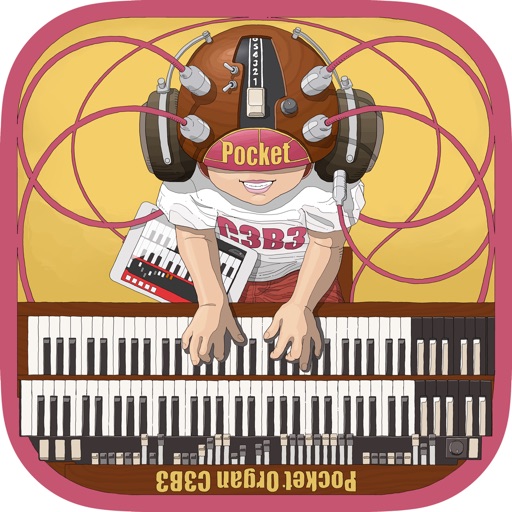
Play virtual Hammond with 9 drawbars for sound control. Simulate tonewheel waveforms for realistic tones. Add rotary speaker effect for authentic Leslie sound. Adjust settings to customize feel and output. Save and share custom presets.
Manipulate vocal pitch and transpose notes. Adjust formant characteristics for unique effects. Apply real-time vocal processing and shaping. Export modified vocals in various formats. Sync with DAWs for seamless integration.
Add analog saturation to audio signals using a modeled '90s guitar preamp. Process guitars, pianos, organs, synths, basses, and more. Shape tone with controls for drive, brightness, and output.
Allows users to create custom delay signals using three effect racks. Effects can be inserted before, during, or after the delay loop. Users adjust signal flow by selecting and arranging effect modules across the racks.