Save and organize text, images, and files copied from any . Group clippings into unlimited folders. Access saved content via Today Widget or drag-and-drop. Sync across iPhone, iPad, and Mac without cost.
Create notes using voice commands, Apple Watch, or in- dictation. Attach images, PDFs, videos, and files. Draw sketches directly. Access notes via home screen widgets or clipboard capture.
Create structured with multi-level document management and color tags for quick highlights. Add password protection for secure notes. Sync across Mac, iPhone, and iPad using iCloud. Share documents and use intuitive gestures for editing.
Scan QR codes and barcodes with support for 20+ types. Use front or rear camera and torch for scanning. Scan codes from photos in the library. Generate custom QR codes. View product details from Google and Amazon. Save and filter scan history.
Print documents and photos from your iOS device using a local wireless connection to a printer or all-in-one machine. Scan documents to your device and preview scans before sending. Edit, fax, and check machine status directly through the .
Save text, links, and images for later access. Sync clips across devices using iCloud. Access saved content via keyboard extension. Save items from share sheet to . Organize with tags and search history.
Store and organize items dragged, copied, shared, or downloaded from other apps. Save files like images, text, URLs, emails, and documents in a central location. Access collected items across apps without switching contexts.
QR codes by aligning them in the camera view. Tap to open URLs in Safari or copy text to the clipboard. Duplicate QR business cards to contacts. Supports quick and accurate scanning with iOS technology.
Write, research, revise, and share with advanced formatting and support. Edit documents, organize notes, and sync with Dropbox. Customize themes and use keyboard shortcuts for efficient workflow.
Create and manage markers with custom titles, descriptions, dates, colors, icons, and images. Move markers freely on the map. Organize them into folders. Search and browse markers via a text-searchable list.
Create charts by entering a title, number of items, item names, and corresponding data. Save the as an image or copy it to the clipboard. Share feedback via the 's review section or Twitter.
Allows users to store and manage clipboard content, including text and images. Edit clips, create new ones, and organize them into folders or mark as favorites. Access favorites and folders via home screen widgets.
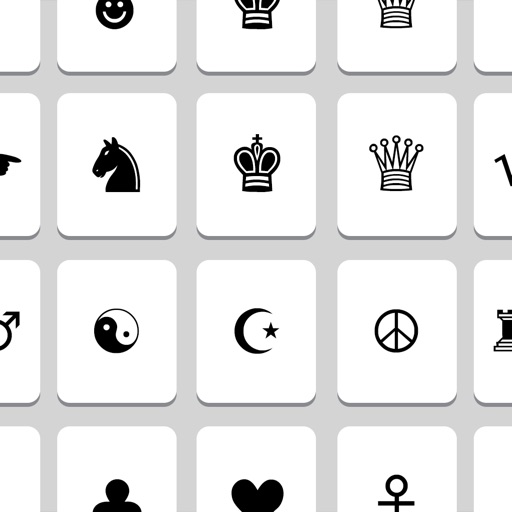
Provides access to a wide range of special characters including Greek alphabet, numbers, math symbols, bullets, and letterlike symbols. Tap to copy characters to the clipboard and paste them into any application.
Arthur Eduardo Skaetta Alvarez Desenvolvimento de Software LTDA.
Content and tap
Store and organize frequently used text in categorized folders. Tap to copy content to for easy pasting in other apps. Import existing content into categories with one tap. Function without internet connection or account .
Calculate hashes for any string using MD2, MD4, MD5, SHA1, SHA224, SHA256, SHA384, SHA512, Whirlpool, CRC32, or Adler32. Copy results to clipboard or email them. Encode or decode data with Base32 or Base64.
The app offers over 500 Unicode symbols across seven categories. Users can send fun characters via email, messages, or copy them to the clipboard for use in any application.
Send custom and emojis to friends. Access over 500 unique not found on standard devices. Copy to clipboard or share via text, email, and other messaging apps. Create custom combinations for messages.