Share photos across multiple devices with real-time synchronization. Control the slideshow from one device while others view it on their iPhones. Navigate through images, pause, and resume playback. Adjust brightness and contrast for optimal viewing.
by Cyan, Inc★ 5.015 ratingsPhoto & VideoFreeData updated 2026-09-18
Add to photos by selecting an image or using the camera. Choose from various dinosaur options and position them with drag, resize, and rotate tools. Use the erase tool to blend into the scene realistically.
Connect with others through one-to-one chats or group discussions. Explore profiles, view location-based matches, and engage with a public feed. Share personal interests and seek support or friendship within a LGBTQ+ community.
Edit photos with filters, , and cropping tools. Add text, stickers, and borders. Adjust brightness, contrast, and saturation. Export in various formats and share directly.
Create dynamic slideshows with auto-updating content from cloud storage. Add custom animations, video playback, clock, and weather overlays. Display photo details and sync with iCloud, Google , Google Drive, Microsoft OneDrive, and Dropbox.
Transfer photos and animated GIFs between devices without registration. Use end-to-end 256-bit AES encryption for secure . Directly transfer images via device alignment. No need for internet or additional setup.
Create slideshow videos by selecting templates, adding photos or videos, and applying transitions, animations, and effects. Customize with stickers, fonts, and music. Share directly to social media platforms or save to camera roll.
Capture 360° photos and videos using a compatible camera. View and playback spherical media on a smartphone. Share images and videos via social media or email. Edit and adjust settings for recorded content.
Create wallpapers by combining desired and hidden images or videos. Generate from videos, GIFs, or multiple images. Trim videos for customization. wallpapers available only on iPhone 6s and later. 3D Touch allows movement of lock screen .
The app allows users to share photos and videos on a TV using Chromecast. Users can create custom slideshows with music and select from multiple photo framing modes.
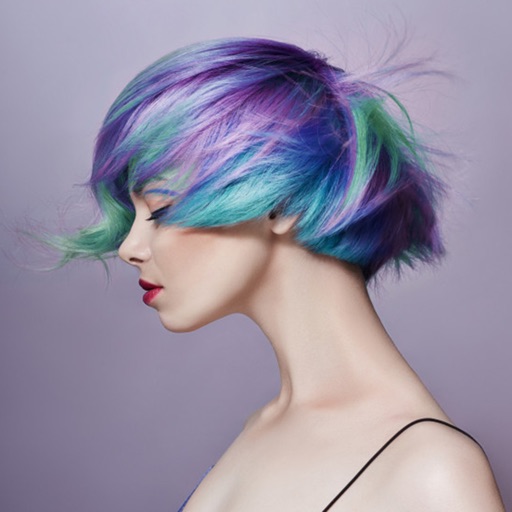
Edit photos by applying various hairstyles including long, short, straight, curly, and special styles. Add different colors and adjust hairstyles to fit any face. Save and share edited images directly.
Display photos from device storage, iCloud, Facebook, Flickr, Instagram, Google Photos, and Dropbox. Show all photos or specific albums. Customize frame layout and transition effects. Share photos via social media or email.
Add , Beards, Christmas Trees, custom text, and Claus to photos. Adjust hat size and placement. Use zoom for detailed edits. Erase parts of . Export edited photos.
The app offers over 5000 costumes for users to virtually wear in photos. Users can edit pictures by zooming, moving, and adjusting brightness after taking them.
Edit photos to full size on Instagram . Stretch edge pixels to fill gaps. Choose from blur, mosaic, color, and pattern backgrounds. Take photos directly or import from gallery.
The app allows users to create photo collages and interactive slideshows. Users can import pictures and arrange them using multi-touch gestures on a virtual table.
The app detects GIF image files within the user's photos library. It organizes detected GIFs into albums matching their original locations and offers features like live view, slideshow, and swipe navigation.
Edit photos using a wide range of filters and organized into categories like summer, fall, film, and food. Search filters by tags and save favorites for quick access. Apply to enhance photos and export edited images.
Apply to photos with one tap. Choose from Gaussian or zoom styles. Adjust intensity and area of focus. Export edited images in various formats and share directly.