Access for wind, brass, and string instruments with detailed visual guides. Tap to highlight notes, zoom in for clarity, and switch between instruments. Save and share for practice or teaching.
Create and customize drum rhythms with real recorded drum sounds from the Paul Rennick 2012 Santa Clara Vanguard. Play along with pre-recorded drum lines, practice timing, and edit beats. Adjust time signatures and share compositions.
Record up to 16 tracks with effects like pan, reverse, reverb, tremolo, and tempo delay. Use as a standalone or plugin. Manage master and input effects. Loop and layer audio for creative playback.
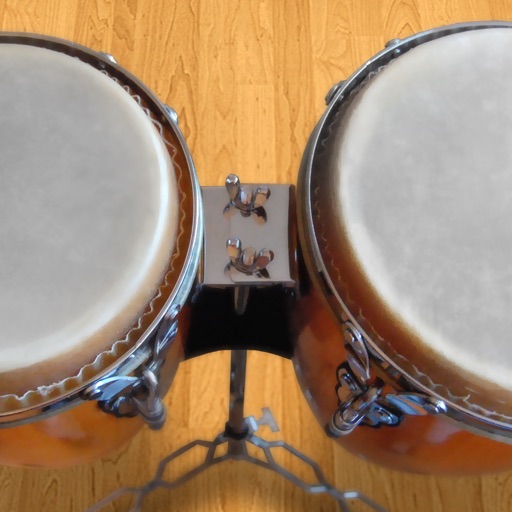
Play conga drums with 18 professionally recorded and mastered sound samples. Include cowbell and sticks for additional percussion. Adjust playing with no latency. Optimized for iPhone and iPad speakers and headphones.
The app emulates the VCS3, a portable synthesizer created in 1969. It features three oscillators, a noise generator, a voltage-controlled filter, and a unique patch board matrix for component connection.
Learn to program synth patches by ear using video lessons and interactive challenges. Practice on a built-in soft synth. Create custom sounds through hands-on training. Receive real-time feedback during exercises. Save and share synthesized patches.
Record audio and MIDI tracks, mix during playback, and apply effects like reverb and vocal tuning. Add drum tracks, edit songs, and share projects online. Collaborate with others through the Songtree community.
Learn and play rhythms with visual and audio guides. Select individual instruments, adjust tempo, and use a built-in metronome. Access a collection of African and African-influenced drum patterns. Sync with other instruments for group playing.
The app provides a reference Concert A (440Hz) pitch for musicians tuning by ear. Users can select between a real oboe or a synthesizer oboe sound for the reference pitch.
A music plugin that emulates a vintage with three playback heads and two spring reverb tanks. Offers three frequency responses and saturations. Includes analog imions. Supports AUv3 and standalone use.
The app is a mobile sound and groove workstation for iPad and iPhone. It provides a collection of world-class instruments, sounds, and patterns for live performance and song composition.
Apply distortion and saturation effects to audio. Adjust wavetables to shape sound. Instantly change tone and character. Export processed audio files. Share directly with compatible software.
And video content from Deutsche Grammophon. Watch live streams from concert halls and opera houses. Access curated audio albums and new releases. Subscribe for free trial.
Split audio files into vocals and instruments using AI. Import audio or video files, screen recordings, or paste links. Export stems in various formats. Edit and rearrange tracks within the .
Play and record string sounds using MIDI keyboard or DAW integration. Adjust tuning, velocity, and articulation settings. Export audio files and share directly. Supports Bluetooth MIDI and USB connections.