
Photo Loupe
Piet Jonas
Magnify photos to see details.
The app allows users to enlarge photos using a virtual magnifying glass. Users can tap and move their finger over an image to examine details such as sharpness or hidden elements.

Paint on photos
Edit photos by applying filters and adding effects. Choose from 11 types and adjust brush sizes for detailed application. Zoom and pan using two fingers, or draw with a single finger. Save and share edited photos directly.
Showing 861–880 of 1,000 ranked alternatives.
Piet Jonas
Magnify photos to see details.
The app allows users to enlarge photos using a virtual magnifying glass. Users can tap and move their finger over an image to examine details such as sharpness or hidden elements.


Patel Rikunj
Photos with effects and styles
Edit photos by selecting from a gallery or the camera. Apply multiple stylish and effects. Adjust position, size, and angle with finger gestures. Share edited images directly.


Patel Nishaben
Apply to photos and share them
Decorate photos with customizable and effects. Choose images from the gallery or capture new ones. Adjust position, size, and angle. Save, share, or upload edited photos to social media platforms.

Quantis, Inc.
Draw self-portraits in seconds
Create self-portraits with sketch and artistic effects. Apply filters like sketch, painting, and pixelate. Save photos to the library or share on social media platforms. Print images directly.


Patel Nishaben
Apply to photos and share them
Edit photos by selecting from the gallery or capturing new ones. Apply various and effects. Adjust position, size, and angle. Save edited images and share via social media, email, or messaging apps.
Patel Nishaben
Apply to photos and share them
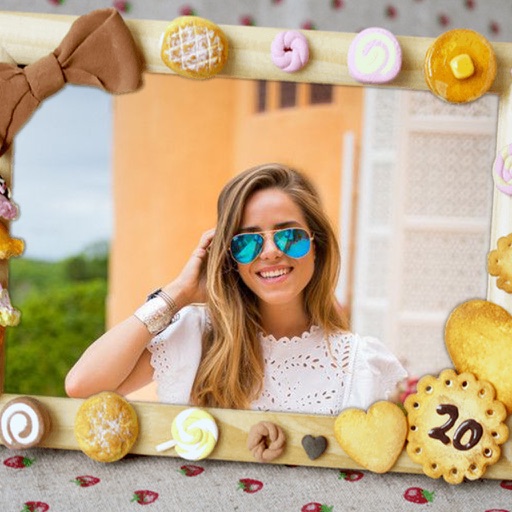
Edit photos by selecting from the gallery or capturing new ones. Apply various and effects. Adjust position, size, and angle. Save edited images and share via social media, email, or messaging apps.


Apps are ranked by functional similarity, category fit, rating confidence, and popularity.