Apps Like Glitter Effect Studio for iPhone and iPad
Paint on photos
Edit photos by applying filters and adding effects. Choose from 11 types and adjust brush sizes for detailed application. Zoom and pan using two fingers, or draw with a single finger. Save and share edited photos directly.
by Thomas Backes★ 4.550 ratingsPhoto & VideoFreeData updated 2026-09-18
Download high-definition and backgrounds. Choose from thousands of 4K images and black-themed options. Set as device wallpaper. Explore creative themes and unique visual scenes. Organize and manage downloaded . Share favorite backgrounds with others.
The app offers a paint application with various stroke options, including single and selectable sizes. It features normal colors, new colors, and continuous color changes for each stroke.
The app allows users to paint on photos using 13 brushes and pens with varying thicknesses. Users can save and share their creations via email, Twitter, or Facebook.
Combine photos into professional quality photomontages.
The app allows users to combine photos into professional quality photomontages. It provides tools to superimpose images, erase parts of foreground images, and adjust brush size and opacity for blending.
The app provides a virtual magnifying glass to enlarge photos. Users can tap and move their finger over an image to examine details such as sharpness or hidden elements.
Edit videos by adjusting , reversing clips, and applying time warp effects. Create GIFs with customizable animations and frame adjustments. Add text, stickers, and filters. Share edited content directly.
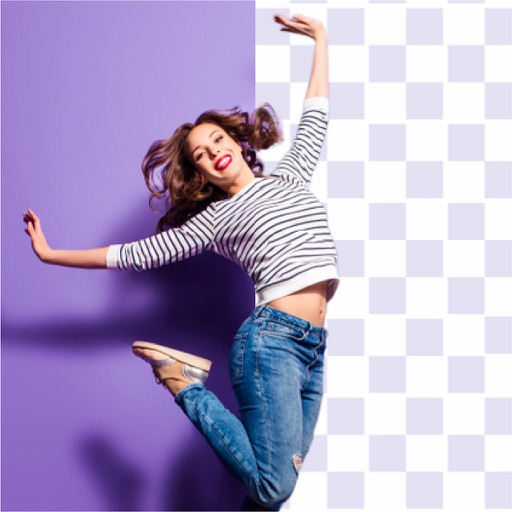
The app offers image matting with tools like Magic Eraser, Rectangular Selection, and Elliptical Selection. Users can remove background regions behind hair or transparent clothes with a few clicks.
The app allows users to create photos by adding items like glasses and hats. Users can apply image effects, draw their own elements, and share their creations to social media platforms.
Edit photos with over 120 shapes and frames, including 20+ frames. Create collages using repeated image parts with shading. Adjust shape size to fit edges or normal scale. Add optional borders. Zoom and pan photos anytime. Rotate photos anytime.